Note: When you cycle through the “Output” Key, the WAP-V6000 will tell
you which mode you are at. Above is an example of cycling to “HDMI”
mode. Please press “OK” if HDMI mode is what you want to select. It will
switch to the original mode automatically if idle for 15 seconds.
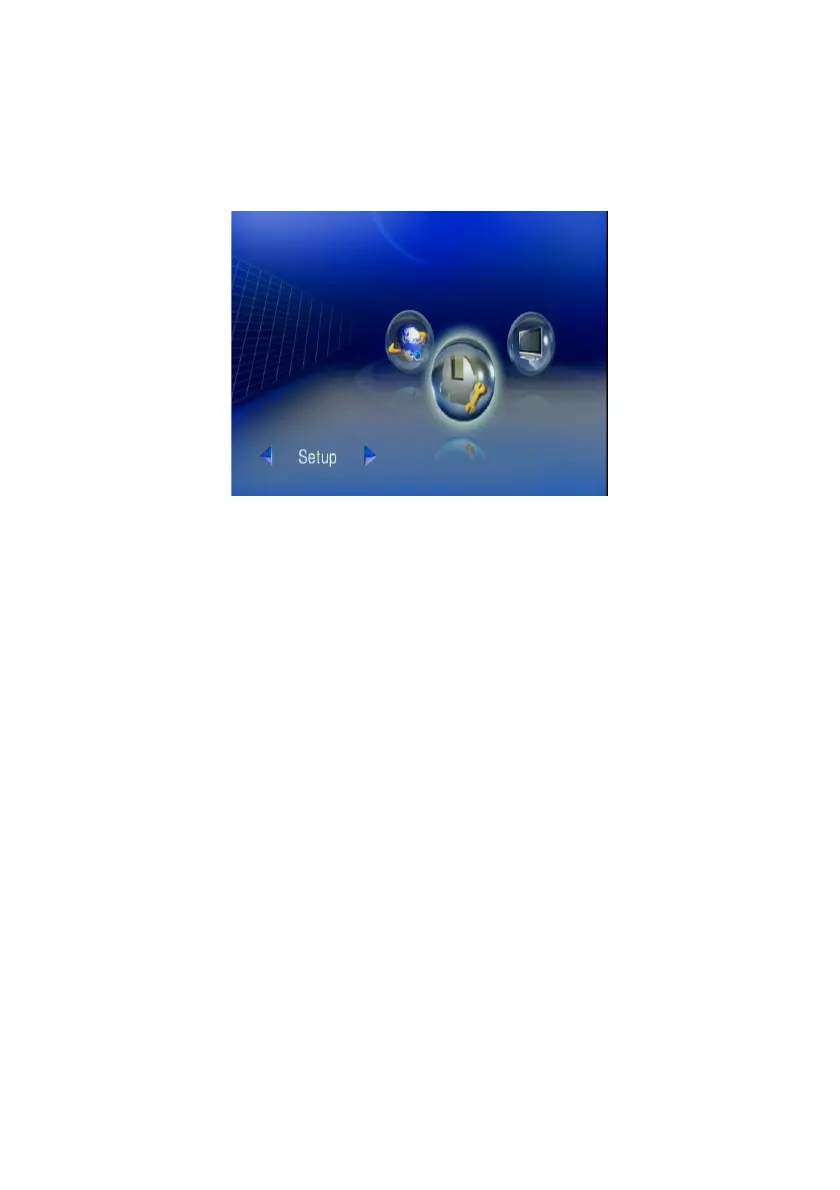
4. After reaching the main menu for the first time, we do recommend you to
setup your WAP-V6000 to fully suit your system environment.
13



 To Next Page