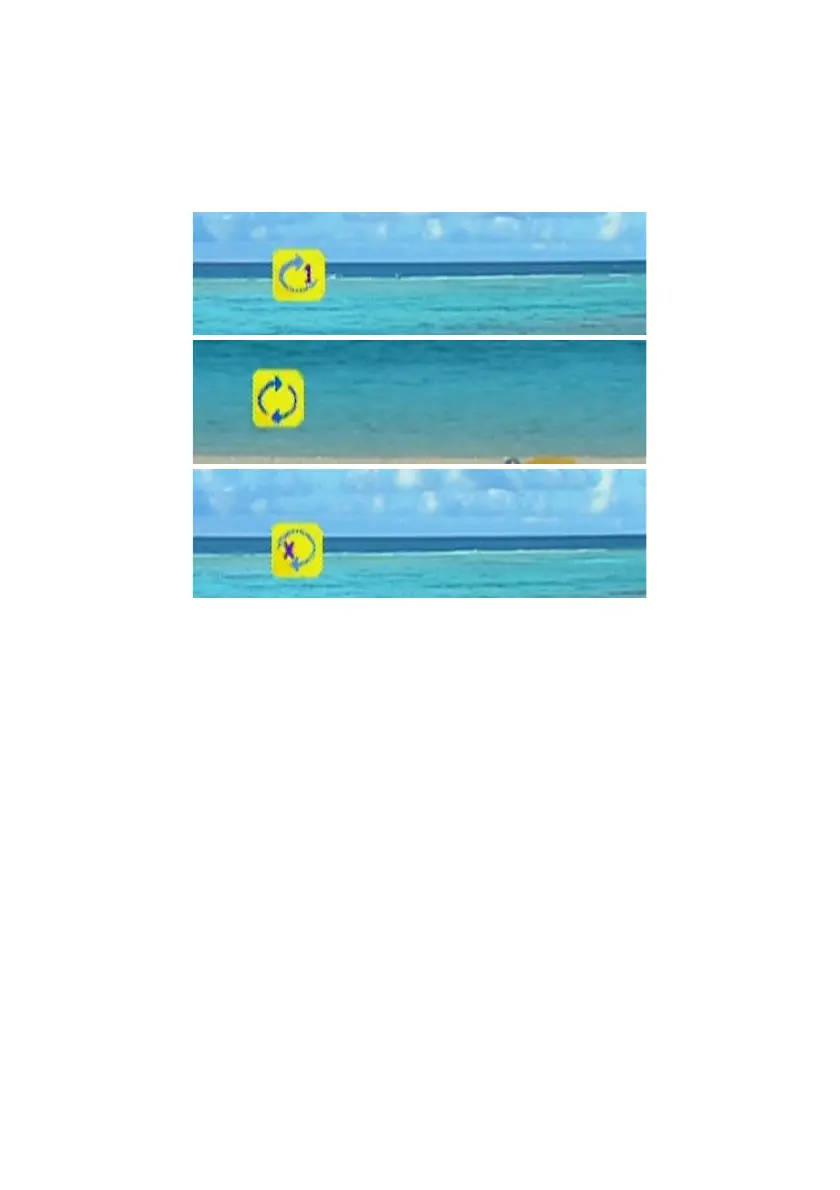
Repeat and Repeat All
You can turn on the repeat function to continuously play individual video or video
within a folder.
Press “Repeat” button once to repeat playing current video file.
Press “Repeat” button twice to repeat all video files in current folder.
Press “Repeat” button for third time again to disable the repeat mode.
Subtitles and Languages/Audio-Tracks
If you are playing “VOB” files or “AVI” files, “SUB” button and “LANG” button are
available for the subtitle and language switching. Press “LANG” to change different
languages or audio tracks that are included in “VOB” files; and press “SUB” button to
change different subtitles in both “VOB” and “AVI” files.
Note: To use Subtitles, make sure that it is in the same folder as your video file and
that the files are both named exactly the same.
49



 To Next Page