Removing Completed Download Files
If the files have been downloaded completely, there may be some other data along
with the main torrent files. You can highlight the files and press “OK” to view all the
data contents.
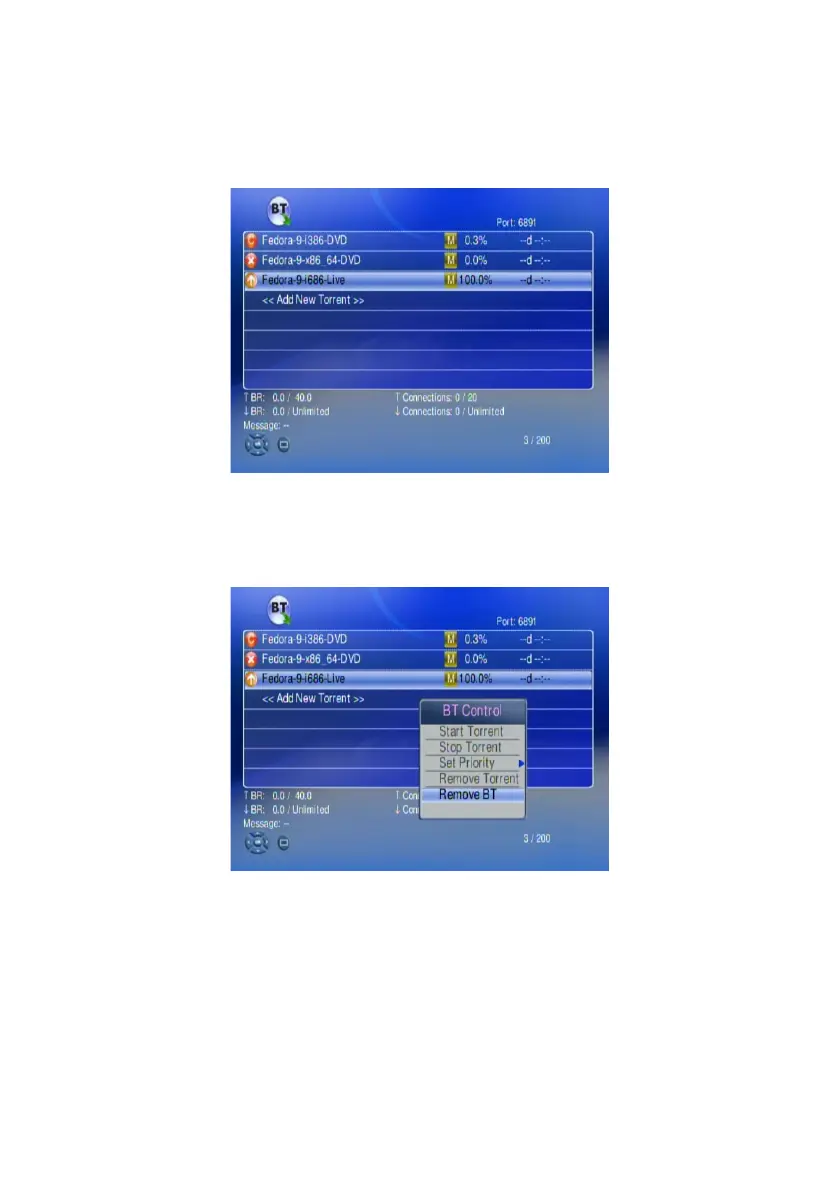
1. Highlight the download completed files
To view all the data contents press OK.
You can press “Display” key on the remote to view the files info.
2. If you want to remove all the data, you can highlight the files and select
“Remove BT” and remove all the data which have been stored at local HDD.
69



 To Next Page