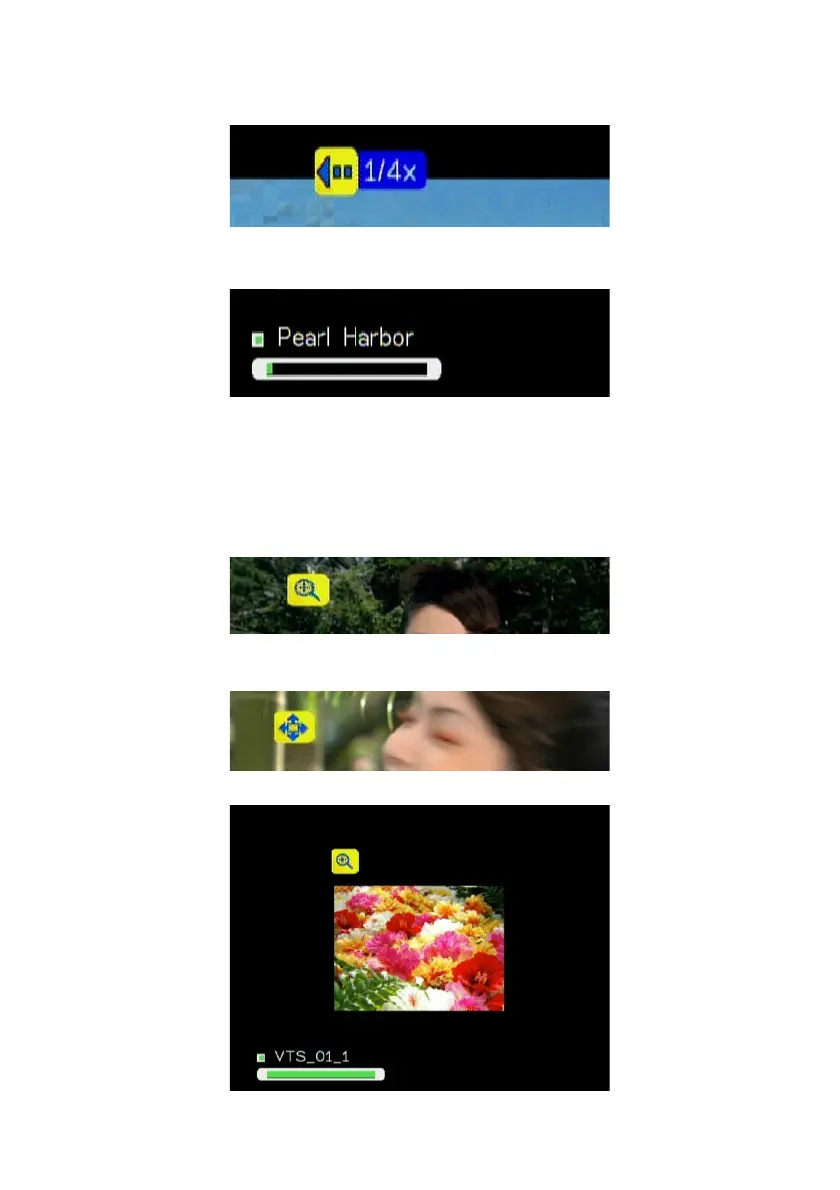
Slow backward
Press “Slow” button and press “Left” button to slow backward the video file.
Press “Left” button several times to switch the speed.
Viewing Video Information
Press “Info” button to get video information.
Video Viewing Effects
Zoom in and Zoom Out:
While video is playing, press ZOOM button to enable zoom in/ zoom out function.
1. Press “Zoom” button and press “Left” button to enlarge the video screen.
2. When the video screen is larger than TV screen, press “Zoom” again and
press “directions” buttons to move the video screen.
3. Press “Zoom” button and press “Right” button to shrink the video screen
48



 To Next Page