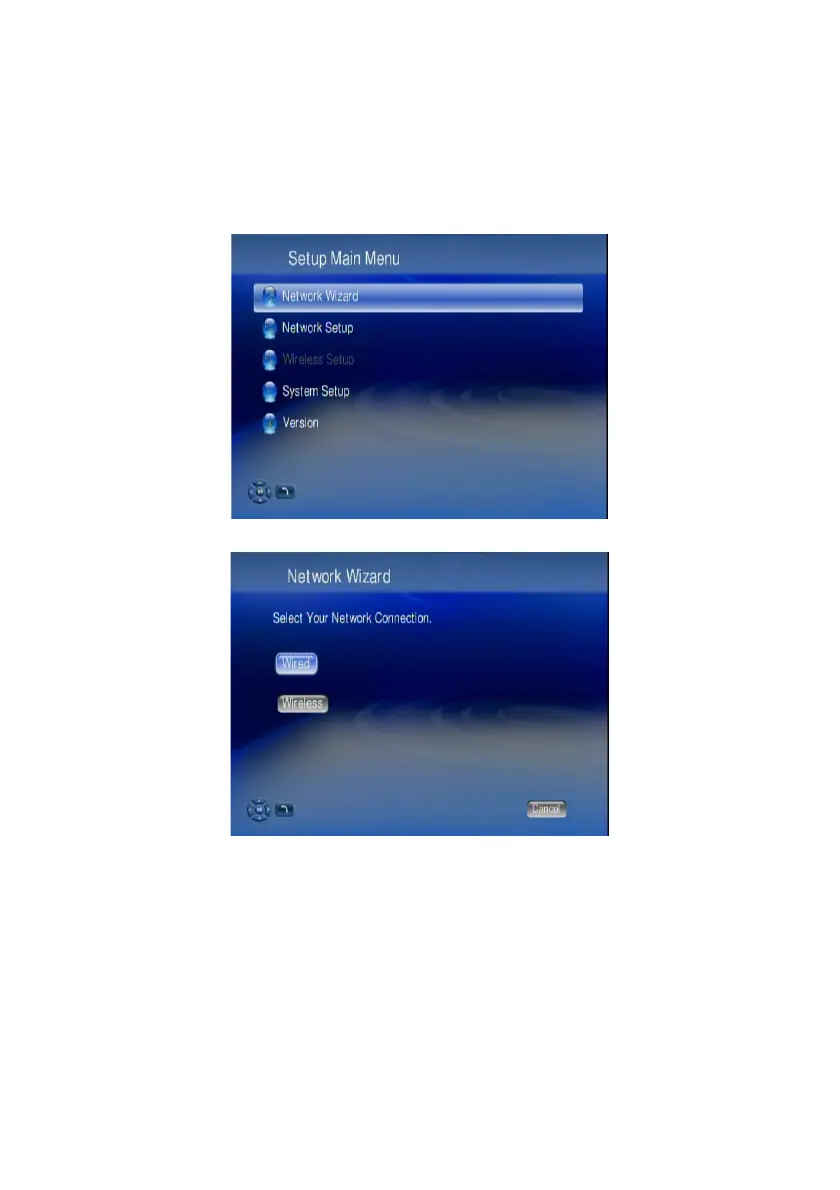
Setup Menu
For setup, simply press the SETUP hotkey on the remote control or select “Setup”
from the main menu by LEFT/RIGHT and confim by OK button.
In Setup Main Menu, select Wired or Wireless to set up for your network.
Wired Network Setup
1. Select Network Wizard from set up main menu to start setup wizard
2. Select “Wired” and follow the on screen instructions.
Note: If you connect to a network using DHCP, WAP-V6000 automatically detects
your network. If you don’t connect using DHCP, go back to set up main menu and
select Network Set Up. You may have to enter your IP address, net mask, gateway,
and DNS addresses.
14



 To Next Page