Control Video Playback
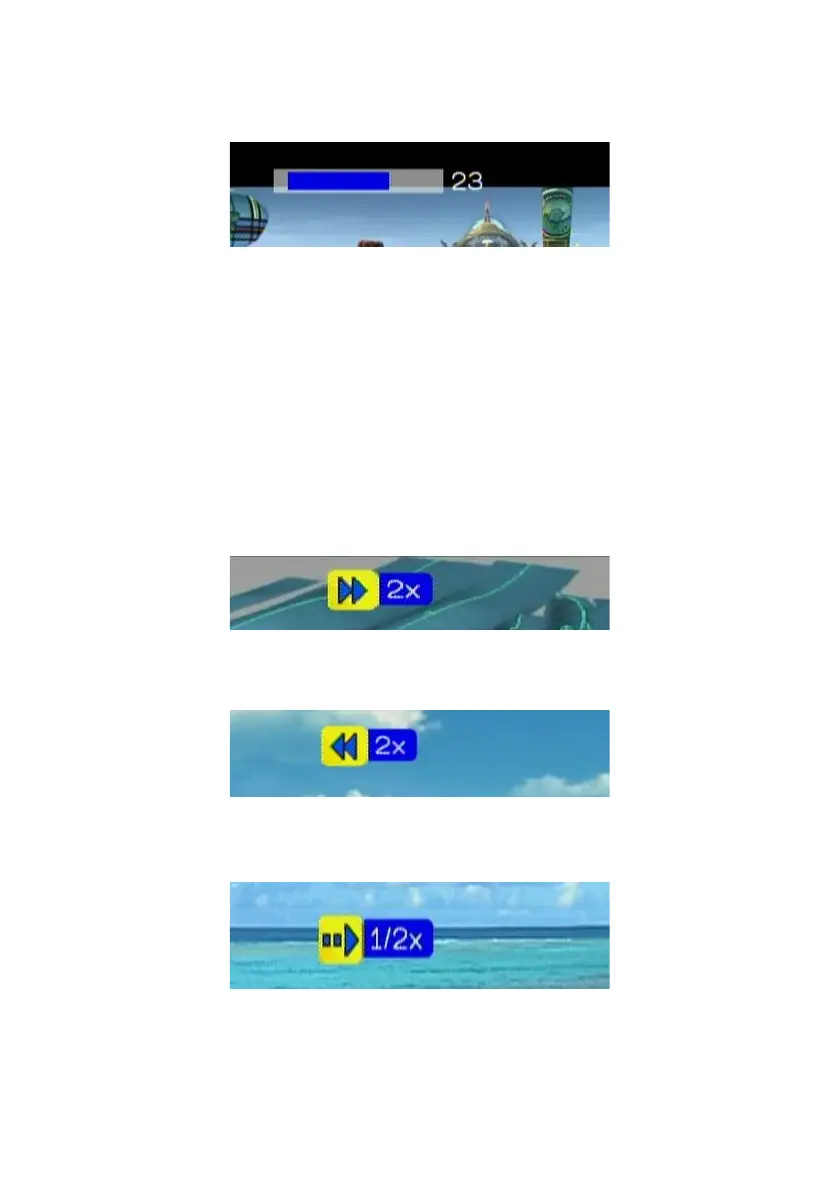
Volume Control:
Press “Vol+” or “Vol-” buttons to control the volume
Mute:
Press “Mute” button to mute or un-mute the video.
Pause and Play:
Press OK button while video is playing you can pause the music by pressing
OK button again can resume the music
Skip to Next or Previous File
Press “Next” or “Down” buttons to skip to next video file.
Press “PREV” or “UP” buttons to skip to previous music file.
Fast Forward:
Press “>>(FF)” button to fast forward the video file. Press several times to
switch the speed.
Rewind:
Press “<<(REW)” button to fast backward the video file. Press several times
to switch the speed.
Slow Forward
Press “Slow” button to slow forward the video file. Press several times to
switch the speed.
47



 To Next Page