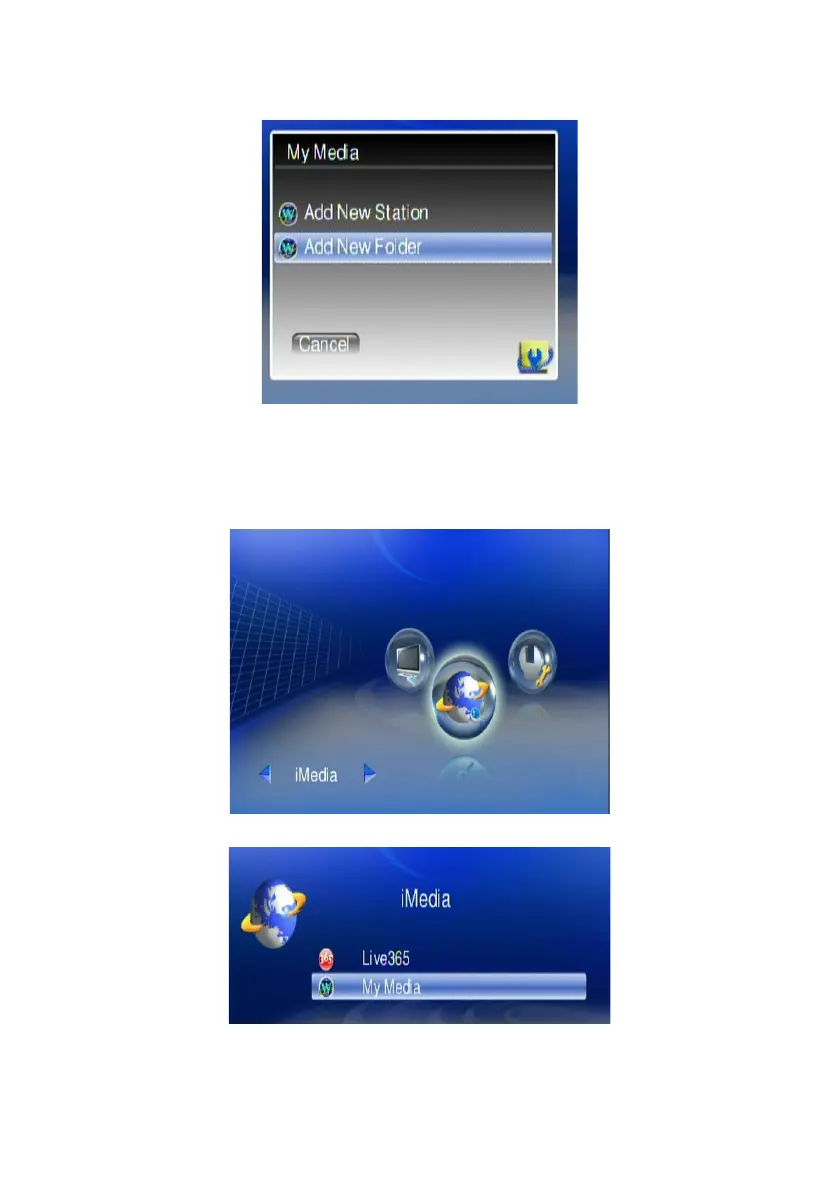
7. Select “Add New Station” or “Add New Folder” to configure a new radio
station or Folder; then enter related information of this new radio station or
Folder.
Play Internet Video - My Video
1. Make sure your network setting is correct and be able to access internet
2. Select “iMedia” from main menu or press “iMedia” button on the remote
control.
3. Select “My Media” and press “OK” button on remote control.
60



 To Next Page