Web Browser
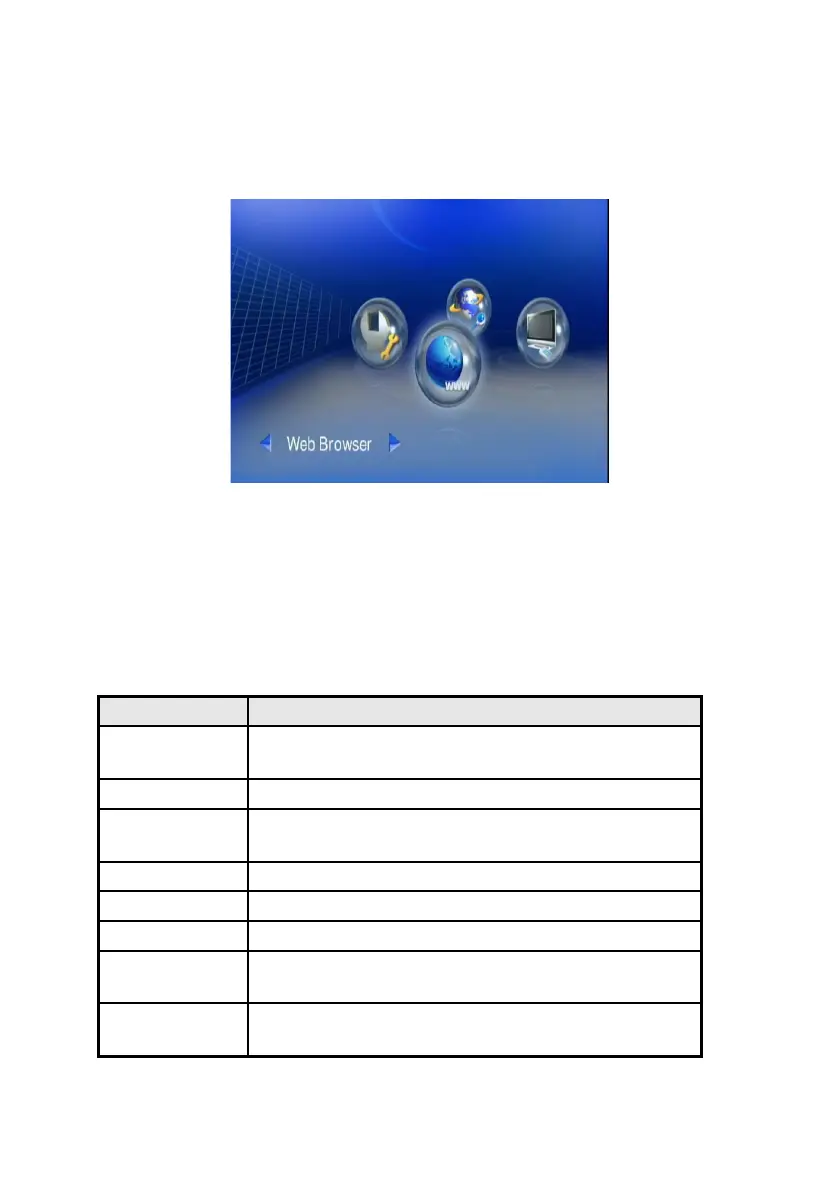
To open the Web Browser
Wherever you stay in the user interface, press ‘Home’ button on the remote control
to return to the main menu as shown below. Select the icon which shows ‘Web
Browser’ and press ‘ok’.
The homepage of the web browser will be displayed, then you can surf the web
using the remote control or keyboard and mouse.
An optional USB keyboard and mouse can be plugged to facilitate the web surfing.
You can EXIT from the web browser by selecting ‘Exit’ or pressing Back button on
the remote control.
Using the Remote Control for Browser navigation
While using the remote control, the key definition is as follows:
KEYPAD FUNCTION DESCRIPTION
BACK
Escape from the browser and return to the main
menu.
VIDEO Left-click of the mouse
MUSIC
Press to enter keyboard mode and press again
to be back to mouse mode.
iMedia Right-click the mouse.
DIRECTIONS To move the cursor.
OK/Play Left-click or Enter
SUB & LANG
Select different subtitles and languages when
playing video file.
NUMBERS
Equivalent to the numbers or characters on the
keyboard.
53



 To Next Page