Miscellaneous Settings
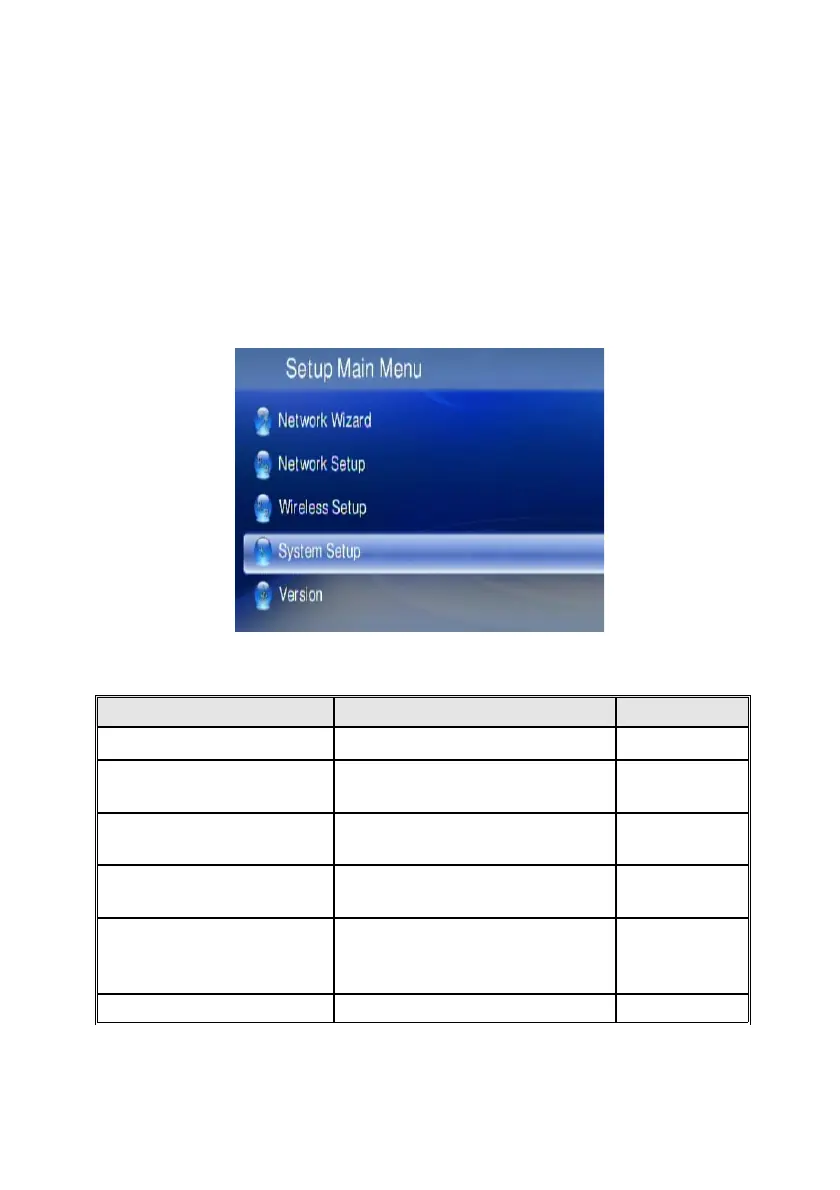
The user interface language and other settings in your WAP-V6000 are configured in
the “System Setup” of the “Setup Main Menu”. Please select the item that you
want to configure and press OK button or “Right” button on remote control to enter
the related sub-page. After configuration, press Back button or “Left” button to leave
the setup menu and save the configurations that you changed.
System Setup
If you want to change the configuration of your setup, you can select the “Setup”
from Main Page, and select “System Setup” from Setup Main Menu. You can select,
configure or adjust Language, TV mode, Audio, Video and other settings here.
Below table is a brief description for the System Setup selection.
Item Name Settings Action
Language Language Select
TV Mode Setup
TV System/ Video Output/
Video Scale
Configure
Audio Setup
Digital Audio Output/Analog
Audio Output
Configure
Video Setup
Brightness/ Contrast/ HUE/
Saturation
Adjust
Other Setting
Screen Saver/ Photo Display
Mode/ Slide Show Time/ BG
Music
Configure
HardDisk Share Set Up User Name / Password Configure
71



 To Next Page