Viewing Youtube Content
You can use the WAP-V6000 to view Youtube content.
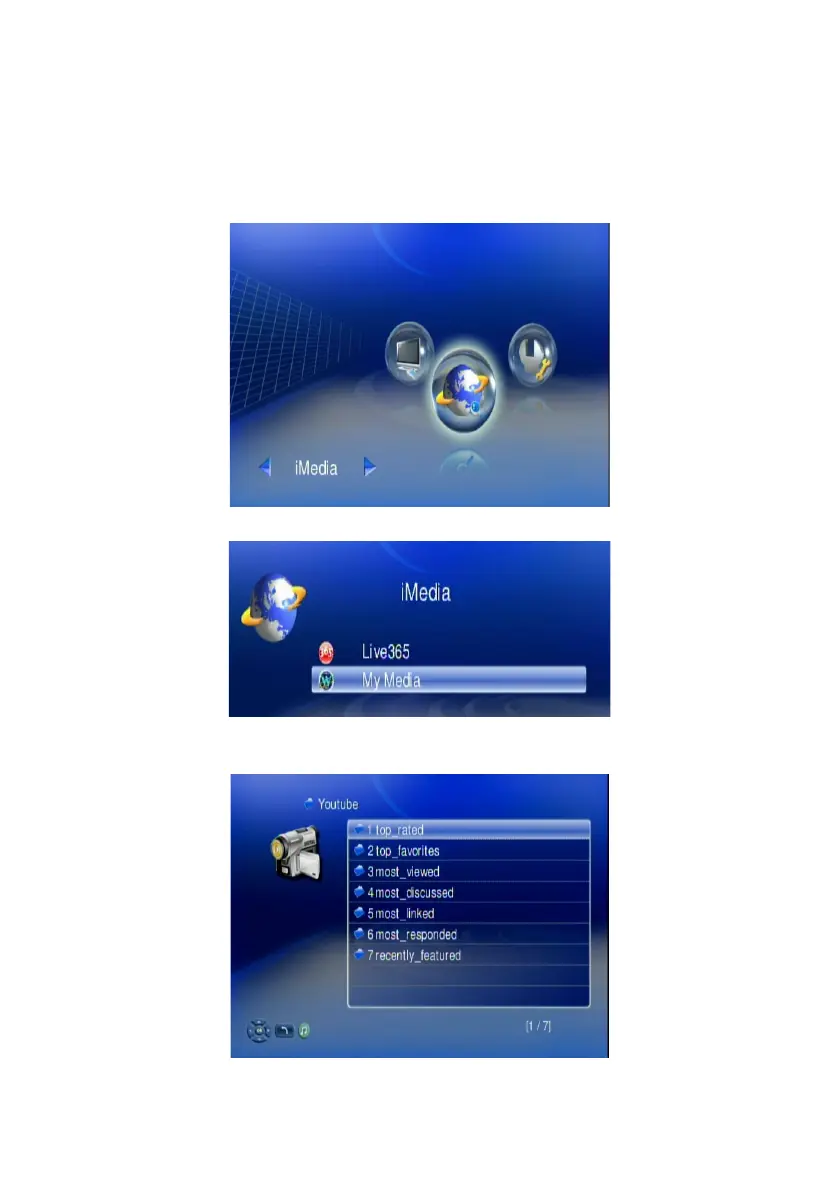
To view YouTube content, follow these steps:
6. Make sure your network setting is correct and be able to access internet
7. Select “iMedia” from main menu or press “iMedia” button on the remote
control.
8. Select “Youtube” and press “OK” button on remote control.
WAP-V6000 lists the Youtube content in 7 categories, Choose the item you
will view and press “OK”.
Note: The Youtube content on WAP-V6000 is streamed from www.youtube.com
62



 To Next Page