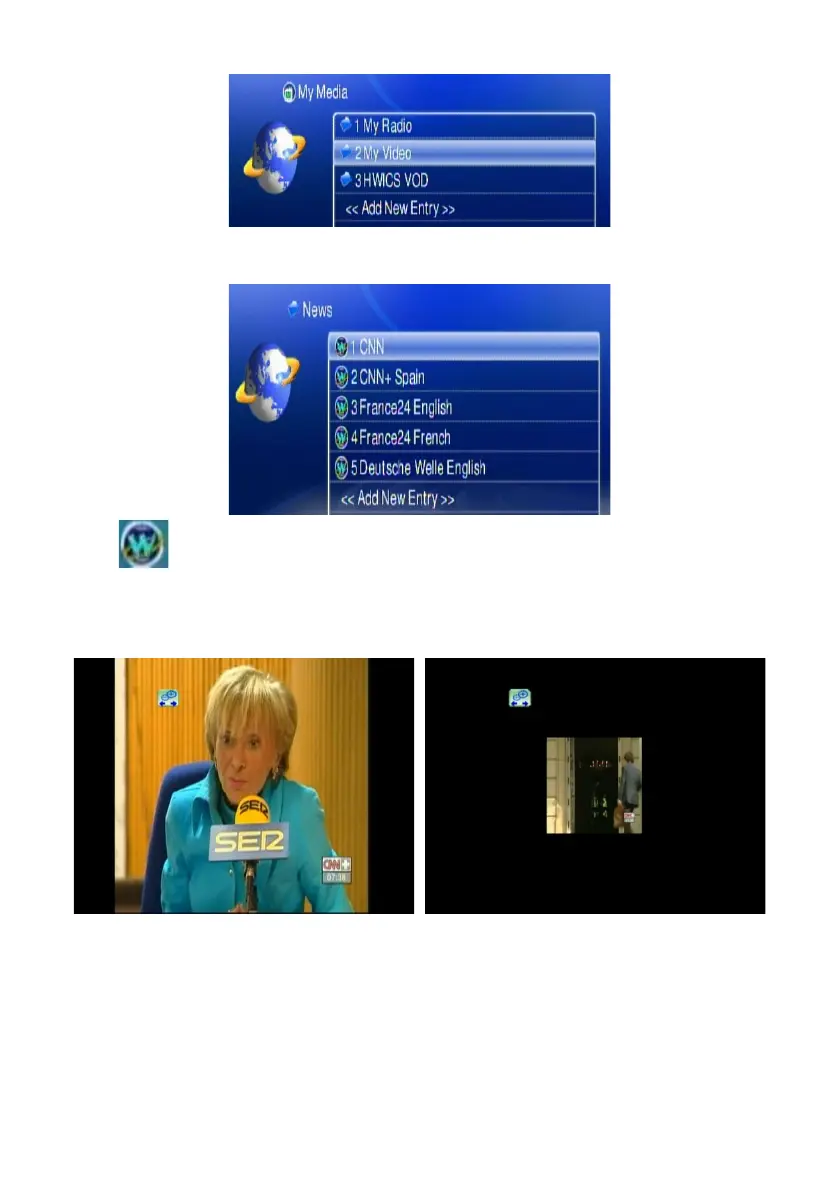
4. Select “My Video” and press “OK” to enter.
5. There are also some internet video stations listed as default; you can select
one of the stations from the list and play it.
Note: stands for a web video station.
You can press the Zoom key on the remote, and zoon in/out icon will show up. .
Press “right” or “left” on the navigation button to enlarge or reduce the screen
Screen enlarged Screen reduced
61



 To Next Page