DVD Menu Navigation
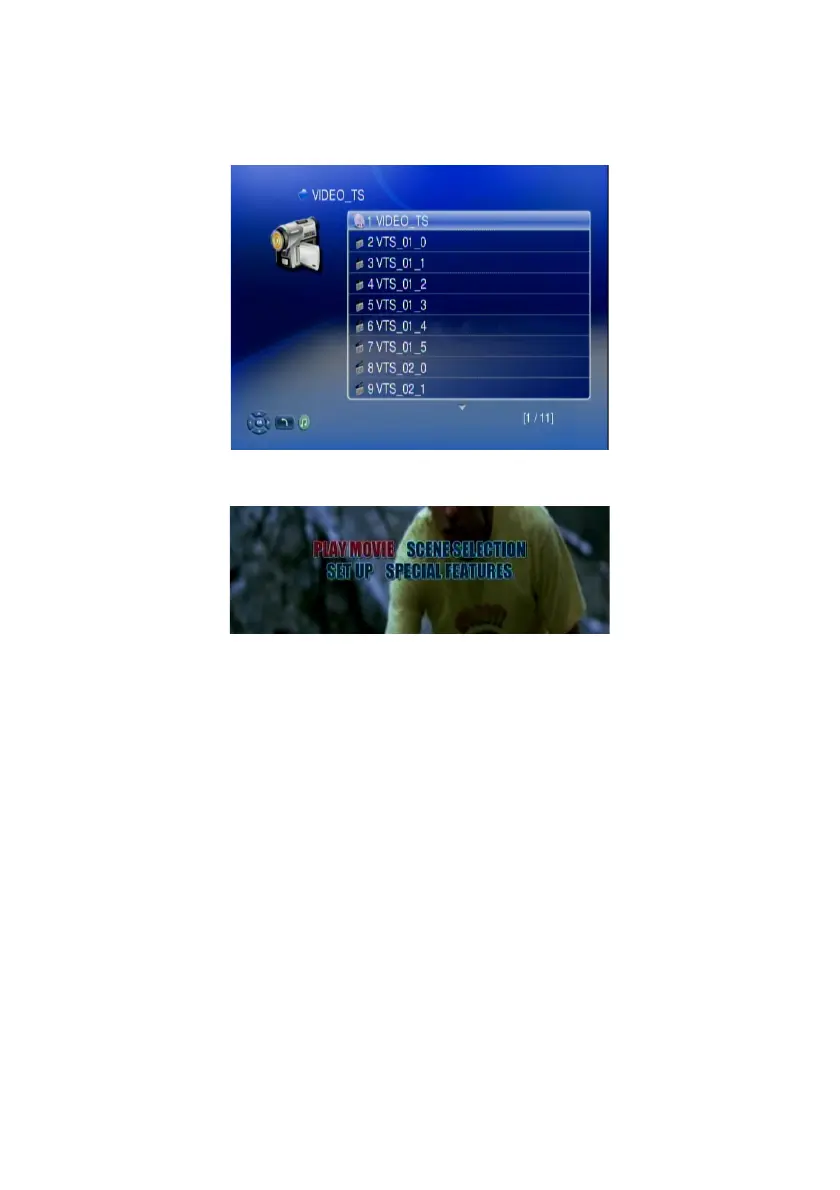
The WAP-V6000 support viewing DVD files as you are playing a DVD menu.
Follow below steps to enable DVD menu navigation feature.
1. When you select a DVD file, choose the item with disk icon and press OK
2. The Menu will appear. Use the navigation buttons on the remote control to
select the item you want.
52



 To Next Page