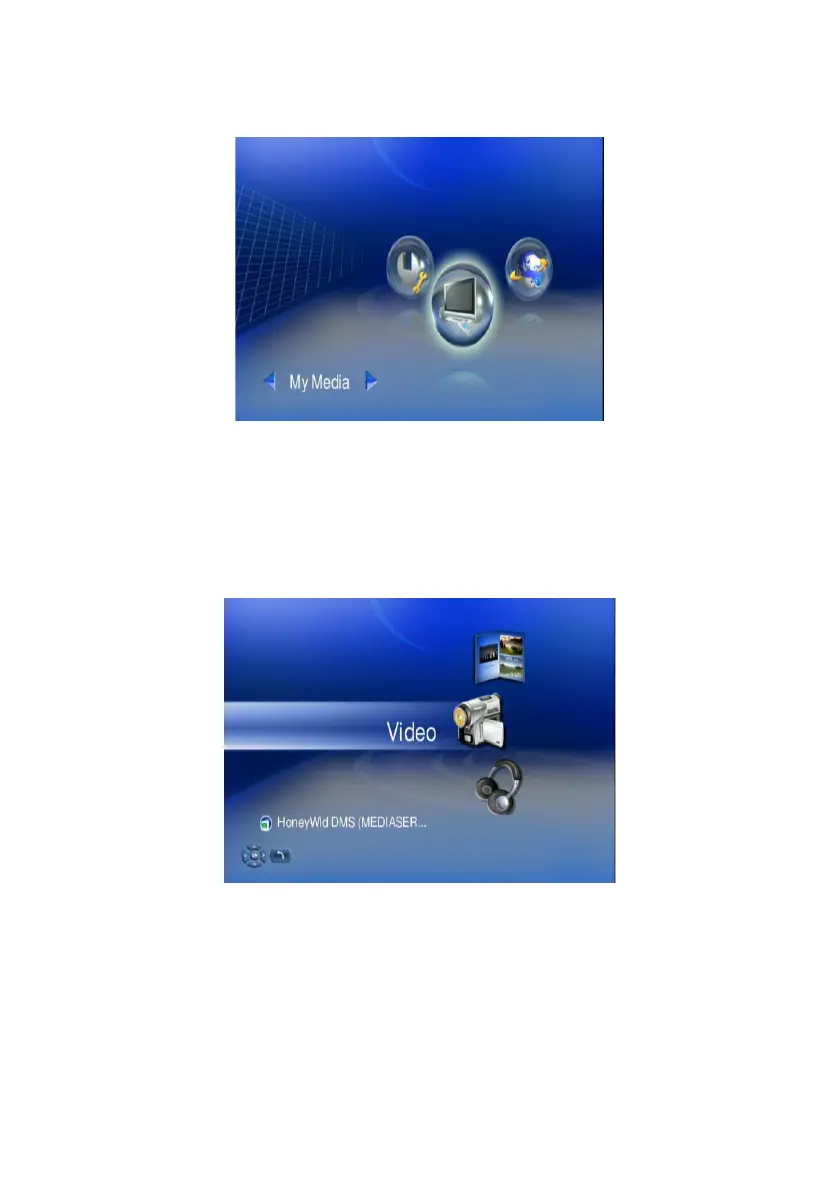
To play video
1. Select “My Media” from Main Menu to enter server list, or press “VIDEO”
hotkey on remote control.
2. All available file sources will be listed on the server list, including files stored
at TEAC media systems media server in your computer, at USB flash stick,
at USB external Hard disk drive, local hard disk drive or at other UPnP
servers. Please select the media server you want to use and press “OK”
button on remote control.
3. Select VIDEO mode and press “OK”, or press “VIDEO” hotkey to enter video
mode.
45



 To Next Page