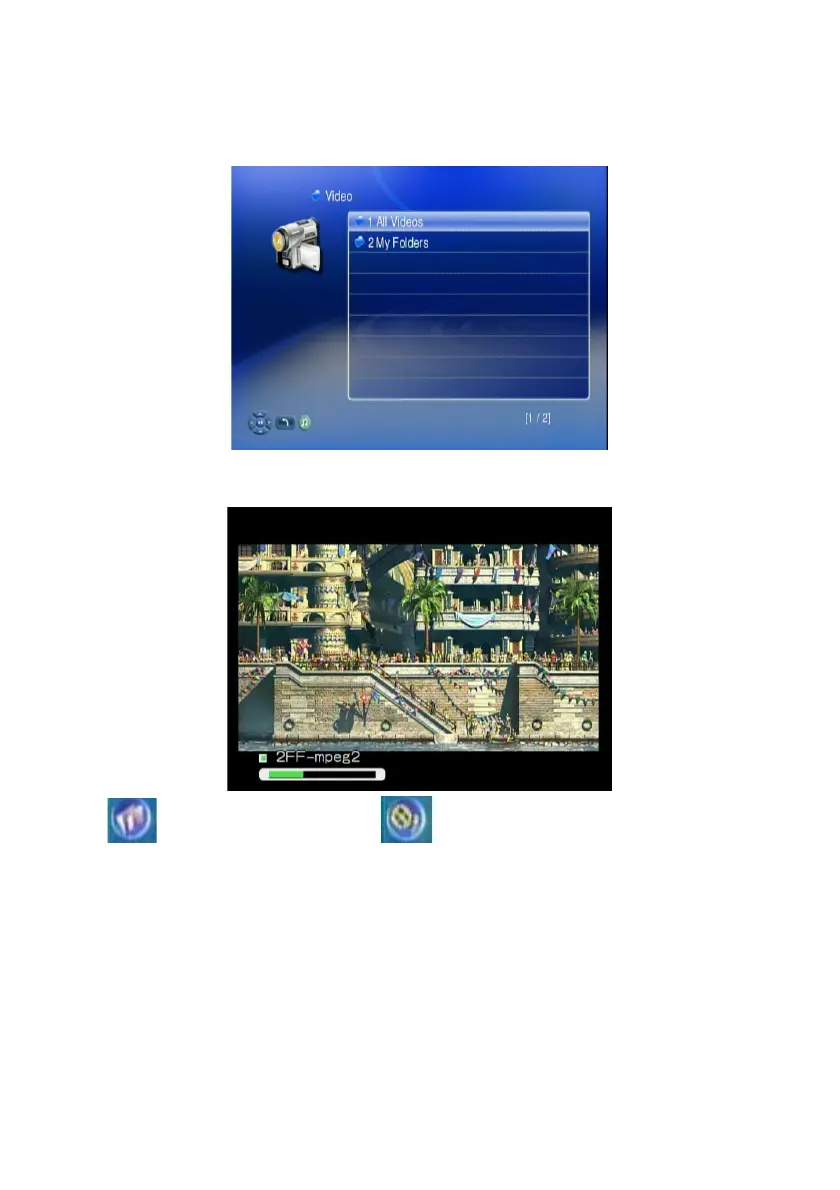
4. If you select “TEAC media systems DMS”, you may select “My Folder” to
view the video files that organized in several subfolders as on your
computer, or select “All Videos” to see all shared video files. Please use
“Up” and “Down” buttons on the remote control to navigate those folders,
and select the option by press “OK” or “Right” button on the remote control.
5. Select the folder that contains the video files or the subfolders you want, and
press “OK”, “Play”, or “Left” button on the remote control to play it.
Note: icon stands for a folder; icon stands for a file.
46



 To Next Page