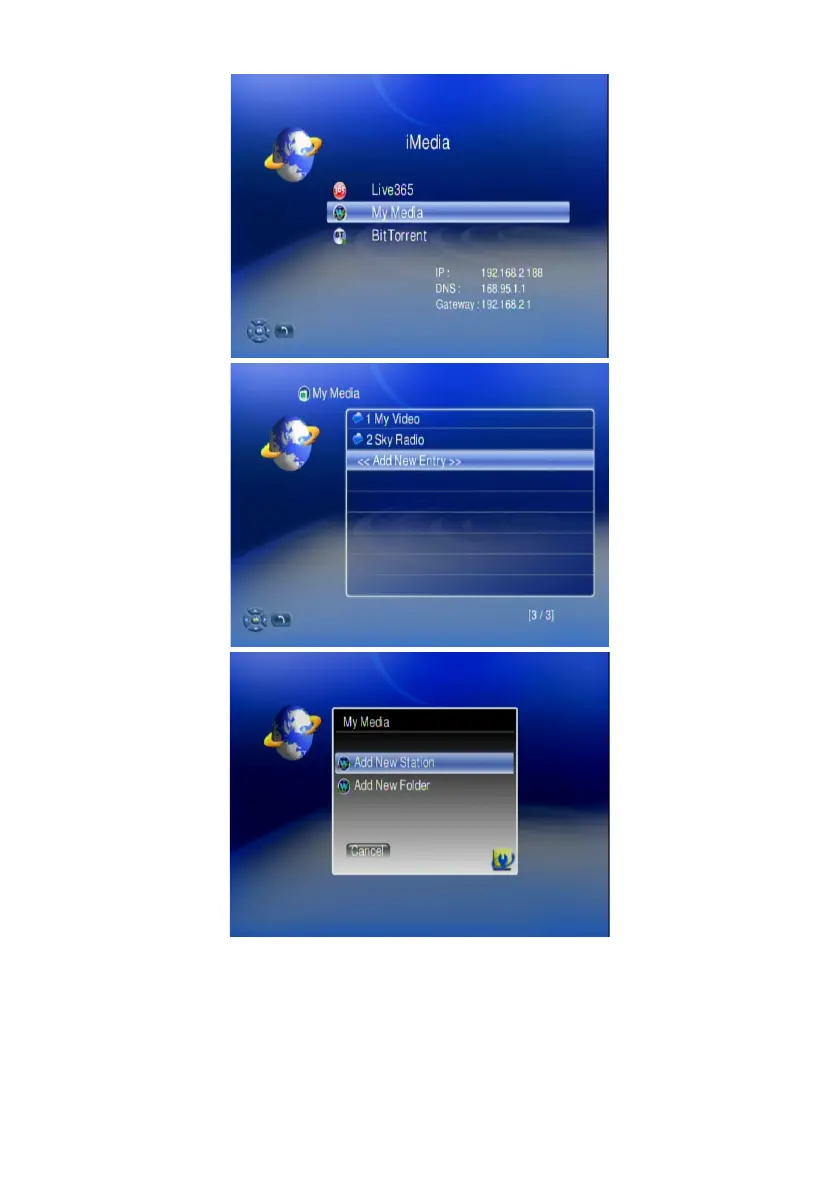
2. Select “My Media” and enter “Add New Entry”. Edit Dialogue will pop up.
3. Key in the nickname (for example “nfs”) and the URL of your target source.
The url link must be in following arrangement.
nfs://ip/export_directory
(for example, nfs//192.168.2.112/mnt/hd_a2)
The 192.168.2.112 is the IP address of the NAS you want to approach, and
26



 To Next Page