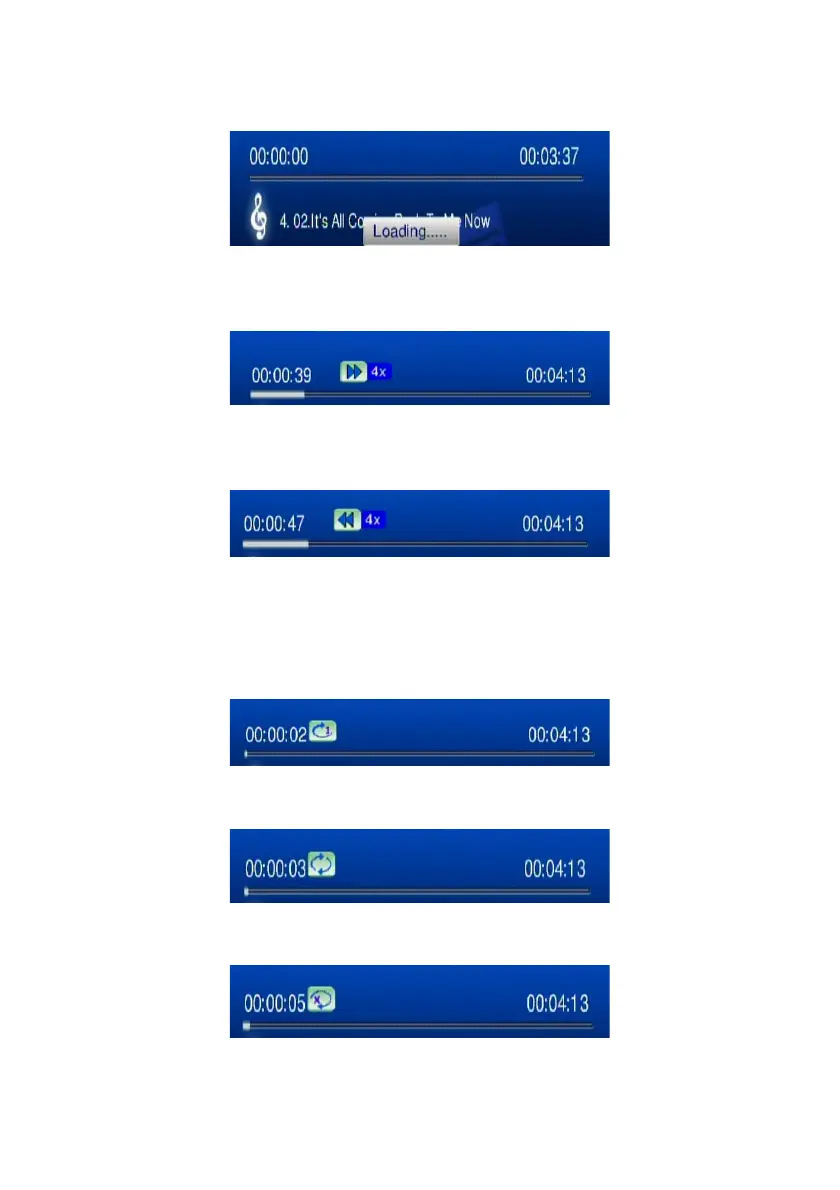
Skip to Next or Previous File:
Press “Next” or “Down” buttons to skip to next music file.
Press “PREV” or “UP” buttons to skip to previous music file.
Fast Forward:
Press “>>(FF)” button to fast forward the music file. Press several times to switch
the speed.
Fast Rewind:
Press “<<(REW)” button to fast backward the music file. Press several times to
switch the speed.
Repeat and Repeat All
You can turn on the repeat function to continuously play individual music or music
within a folder.
Repeat Once:
Press “Repeat” button once to repeat playing current music file.
Repeat All:
Press “Repeat” button twice to repeat all music files in current folder.
Repeat Off:
Press “Repeat” button for three times to disable the repeat mode.
35



 To Next Page