Previous, Next and Home Pages
Press ‘History’ → ’ Back’ or ‘Forward’ or ‘Home’.
View of the pages
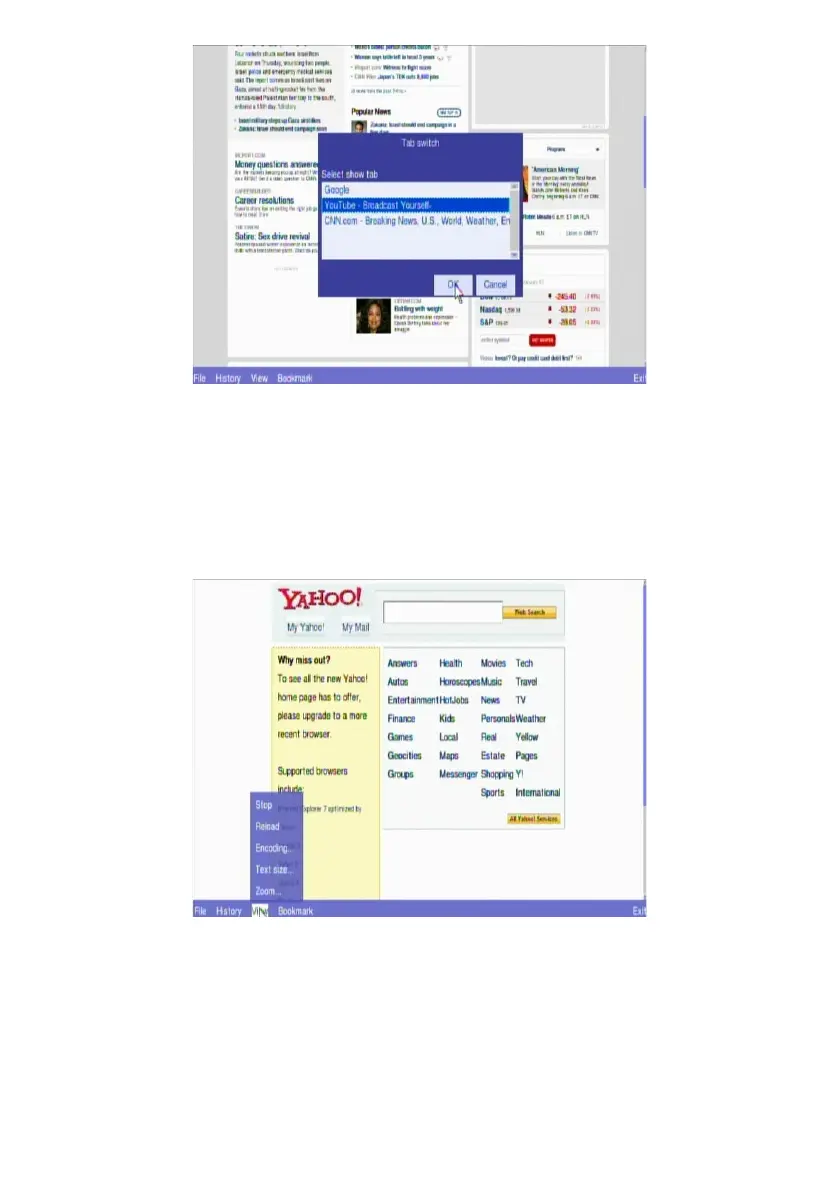
The web page being loaded can be stopped or reloaded by choosing the icon from
‘View’. Text size can be changed, and the whole page can be zoom in or out for
more convenient view by the users.
55



 To Next Page