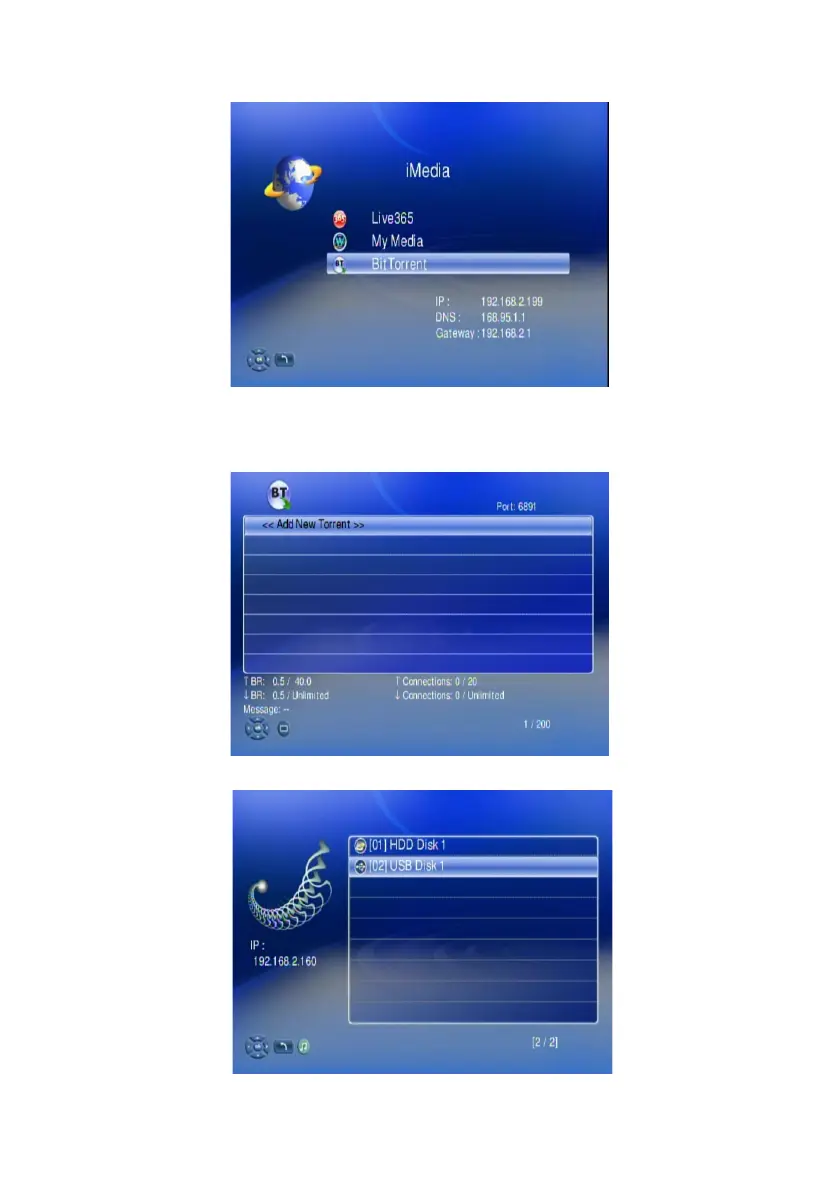
Add New Torrent Seed and Start Downloader
1. Go to “iMedia” and select “BitTorrent”
Have your .torrent seed file ready at USB storage or local HDD. Insert your
USB storage to the WAP-V6000, Enter into “BitTorrent”.
2. Select “Add New Torrent” and press “OK”
3. Enter into the location where the .torrent file to be selected is stored.
65



 To Next Page