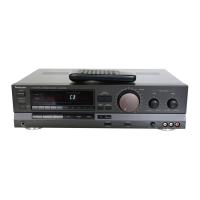
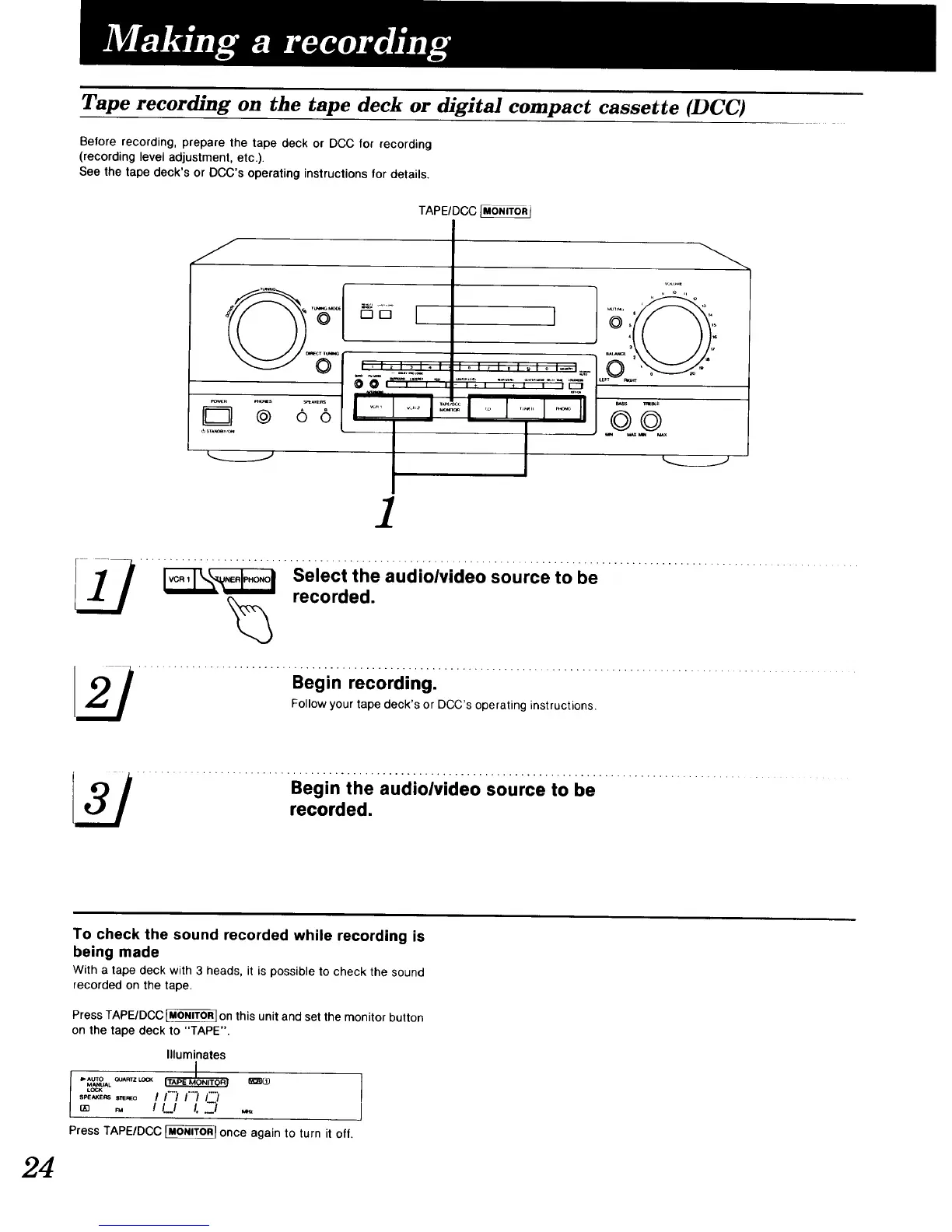
Tape recording on the tape deck or digital compact cassette (DCC)
Before recording, prepare the tape deck or DCC for recording
(recording level adjustment, etc.).
See the tape deck's or DCC's operating instructions for details.
TAPEIDCC_
J
r_
_R _S _AKE_
o o
I ,I _ I _1_ ;
00, , ,',
I .....I
'°'"""°'-'- 0 '_'_--_"
/
.... __"' S:/:__h.e audi0/vide0s0urce to be ...................................
I_ .......................... Begin recording: ..............................................................
Follow your tape deck's or DCC's operating instructions.
.......................... Begin the audioivideo sOurce to be ...........................
recorded.
24
To check the sound recorded while recording is
being made
With a tape deck with 3 heads, it is possible to check the sound
recorded on the tape.
Press TAPE/DCC _ on this unit and set the monitor button
on the tape deck to "TAPE".
Illuminates
MANUAL
L(_O<
Press TAPE/DeC _ once again to turn it off.


 To Next Page
 Loading...