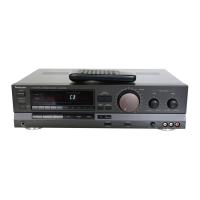
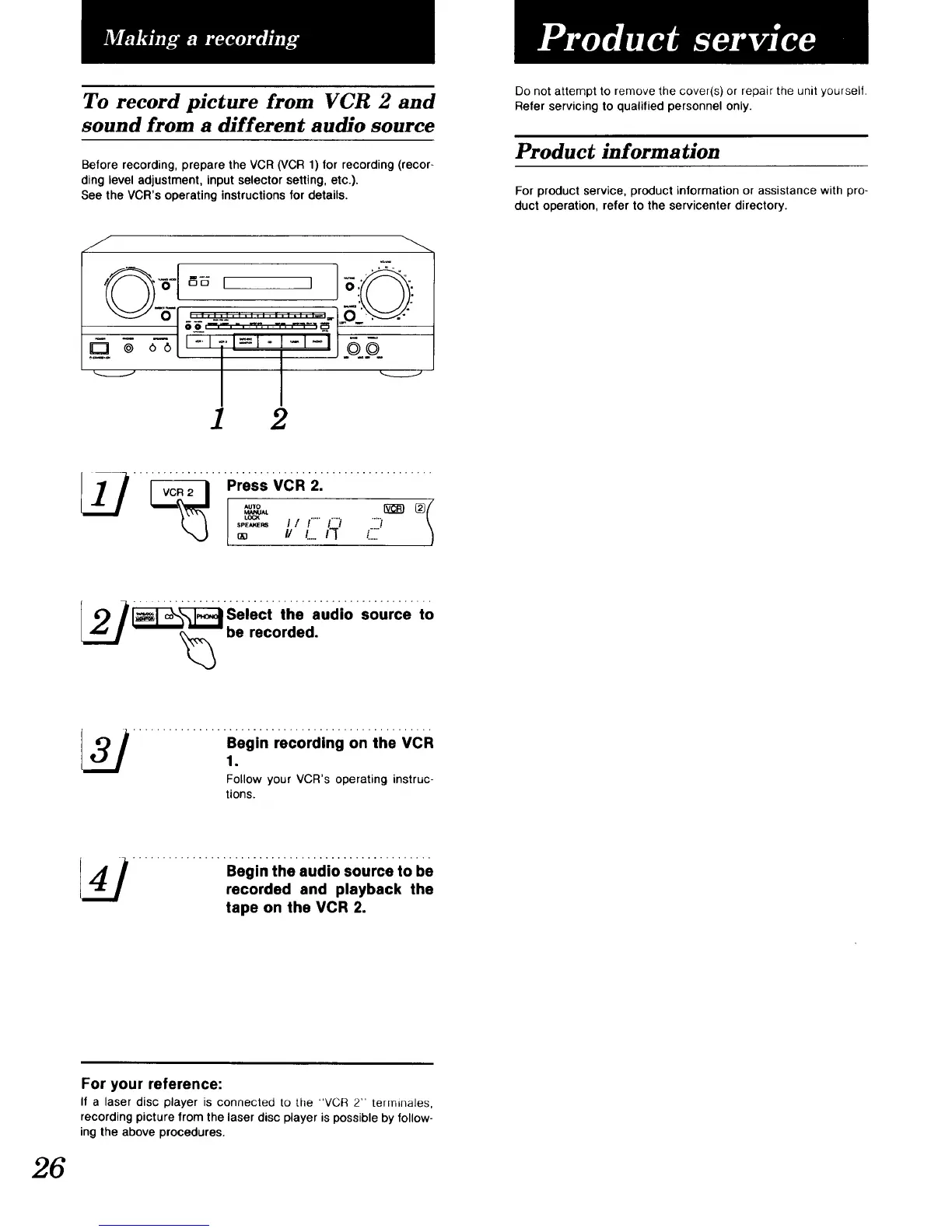
To record picture from VCR 2 and
sound from a different audio source
Before recording, prepare the VCR (VCR 1) for recording (recor-
ding level adjustment, input selector setting, etc.).
See the VCR's operating instructions for details.
J
_E5 I I _,' ".
1 2
Do not attempt to remove the cover(s) or repair the unit yoursell.
Refer servicing to qualified personnel only.
Product information
For product service, product information or assistance with pro-
duct operation, refer to the servicenter directory.
Press VCR 2.
"0'° , [_2D ®I
L_
sPE_.s ! / !..... _' ......
// /.....
_[_ __Seiect th; aud,o s0urce t0
be recorded.
Begin recording on the VCR
1.
Follow your VCR's operating instruc-
tions.
4 / ................Beg,.t,,e;.;,a;;_;.0;;;€;.,0be
recorded and playback the
tape on the VCR 2.
For your reference:
If a laser disc player is connected to the "VCR 2" terminales,
recording picture from the laser disc player is possible by follow-
ing the above procedures.
26


 To Next Page
 Loading...