A
A
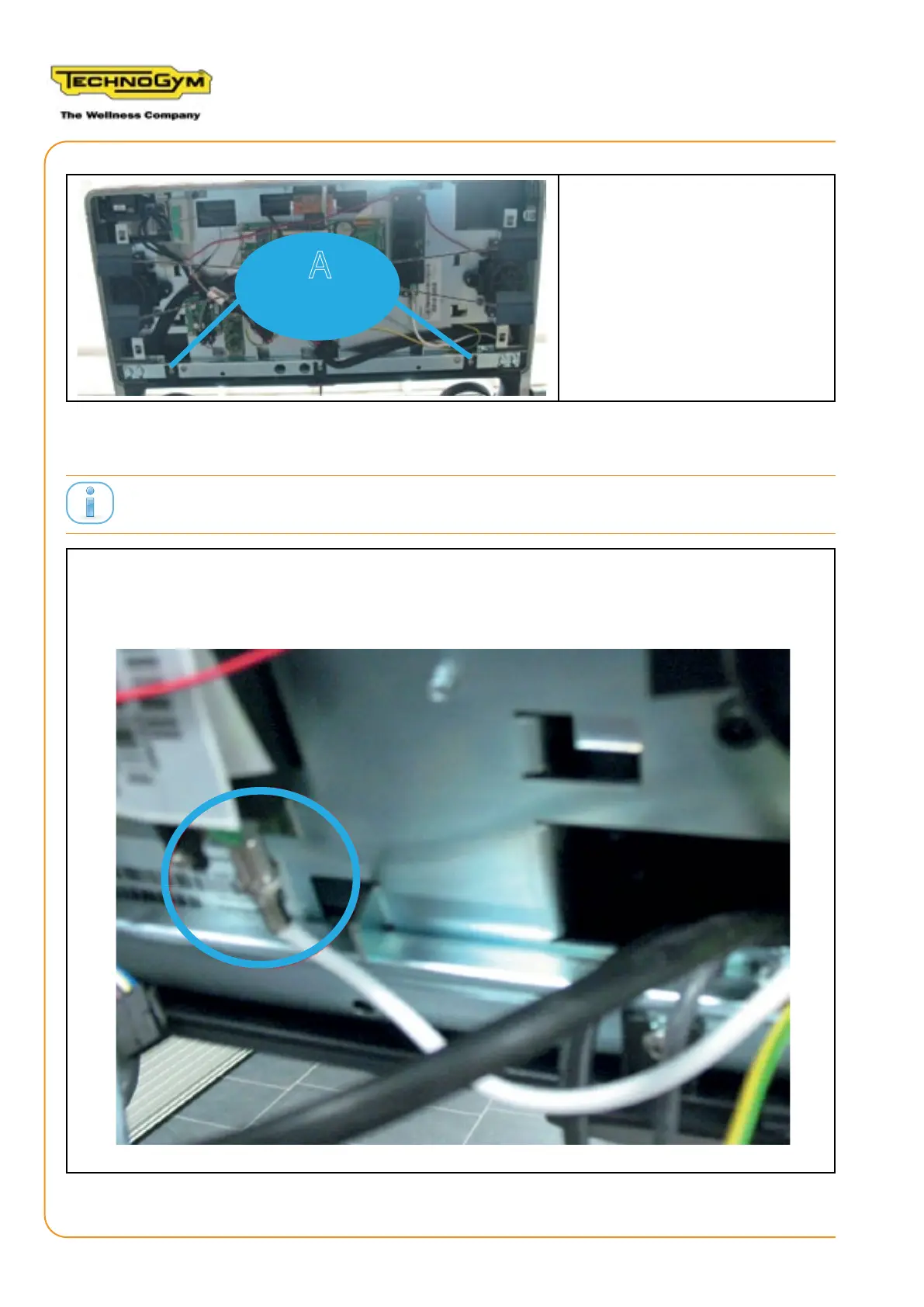
7. Fasten the two screws (A) on
the rear of the display.
2.7 CONNECTING CABLES TO THE UNITY DISPLAY
After disconnecting cables from the Display, do not connect the cable 0WCU0390xx to any connector.
1. Reconnect the cables with the connectors that connect the Wellness System key reader and the
USB socket.
2. Connect the antenna cable to the tuner connector, as shown in the gure.
RUN PERSONAL-UPGRADE VISIOWEB-UNITY 2.0
Assembly instructions- Rev. 1.1
e-mail: support@technogym.com
Page 24












 To Next Page