C
Copyright Technolog Ltd. 2017. All rights reserved.
Information contained in this document subject to
change without prior notice.
Sheet 11 of 41
Technolog Limited,
Ravenstor Road,
Wirksworth,
DE4 4FY,
United Kingdom
T: +44 (0) 1629 823611
E: technolog@technolog.com
www.technolog.com
DMR No.: 7311
2137PM9001 Rev. A
Installation: Standard connections - Local communications ("COMMs")
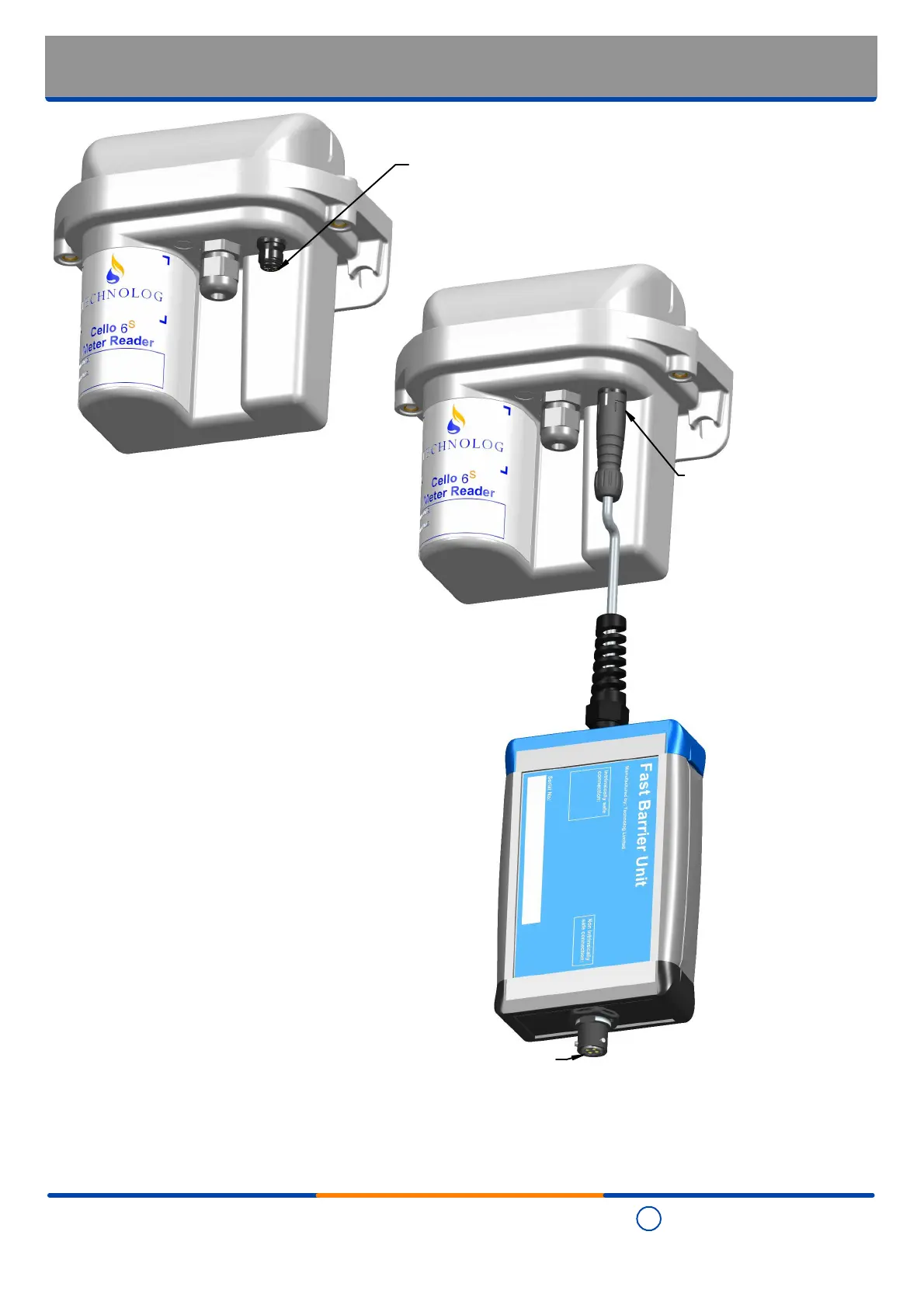
Step 2
Attach a Technolog
'Fast Barrier Unit (FBU)',
complete with either a
'CBLBS04P000-x' or
'CBLBS04P001-x' output
cable, to the 'COMMs'
connector
Step 1
Remove the protective cap from the local
communications ('COMMs') connector and
ensure the terminations are clean and dry
- wipe where necessary
Step 4
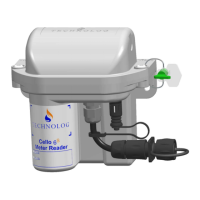
At the end of the communication session, disconnect the 'FBU' and, to prevent the ingress of water and debris, refit the
protective cap to the 'COMMs' connector.
Step 3
Connect the 'FBU' to a PC, laptop, tablet or similar
then, using the appropriate software, communicate
with the Cello 6S


 To Next Page