UPS EXA LCD 1.5 – 2-0 – 2.6 5 User’s manual
4 EXTERNAL DESCRIPTION
4.1 Front Panel
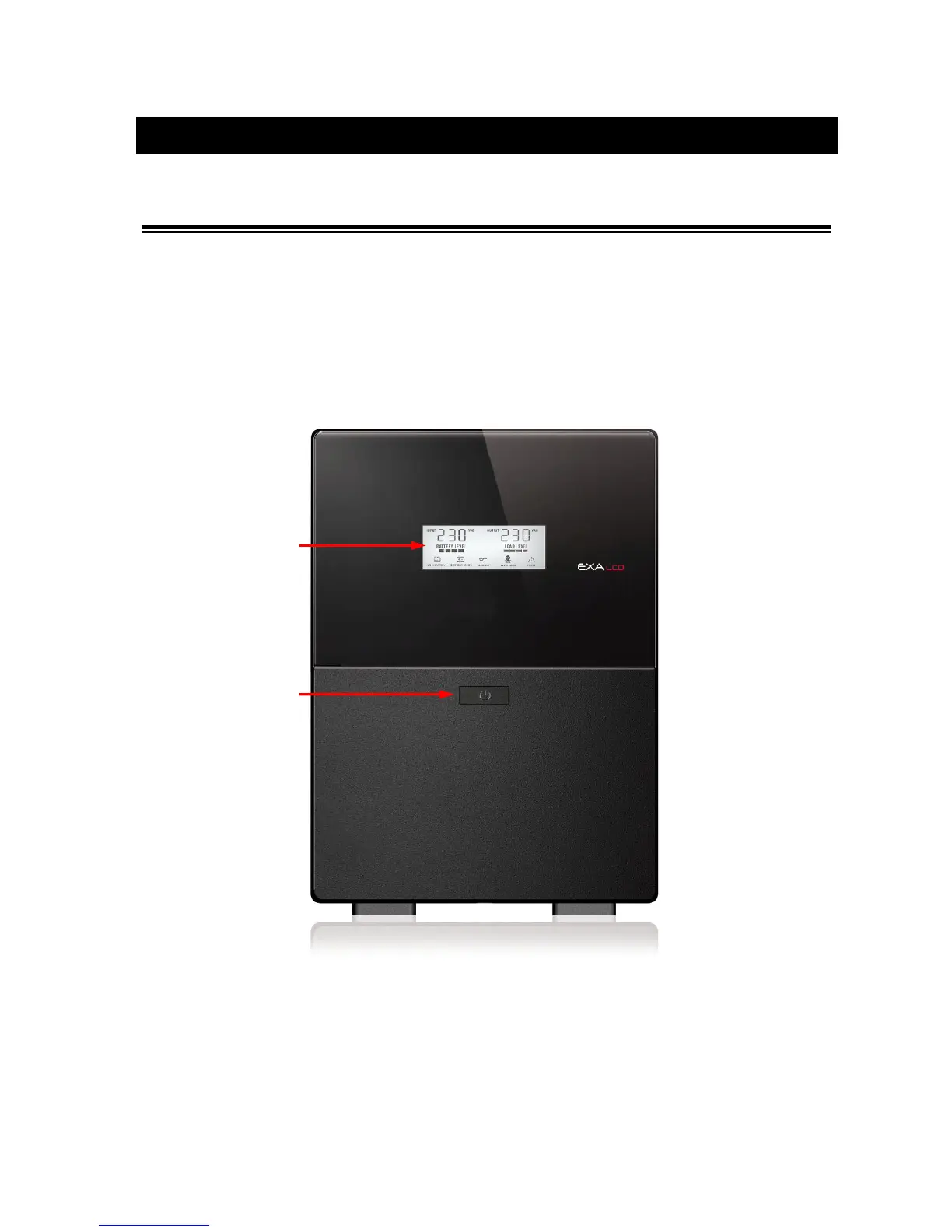
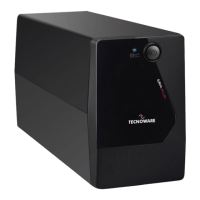
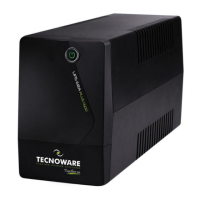
The front panel informs the user about operating status, alarm conditions and measurements. Front panel shown
below consists of two parts:
1. LCD display provides information about Input and Output Voltage, Battery Level percentage, Load Level
percentage, functioning modes, alarm and fault conditions.
2. ON/OFF button: enables the user to turn ON/OFF the UPS.
Figure 1 – Front panel








 To Next Page