PL-390 13
METHOD 3: MANUAL DELETE ALL
MEMORY WITHIN THE BAND
1. Press the [VM] button to enter
the memory mode.
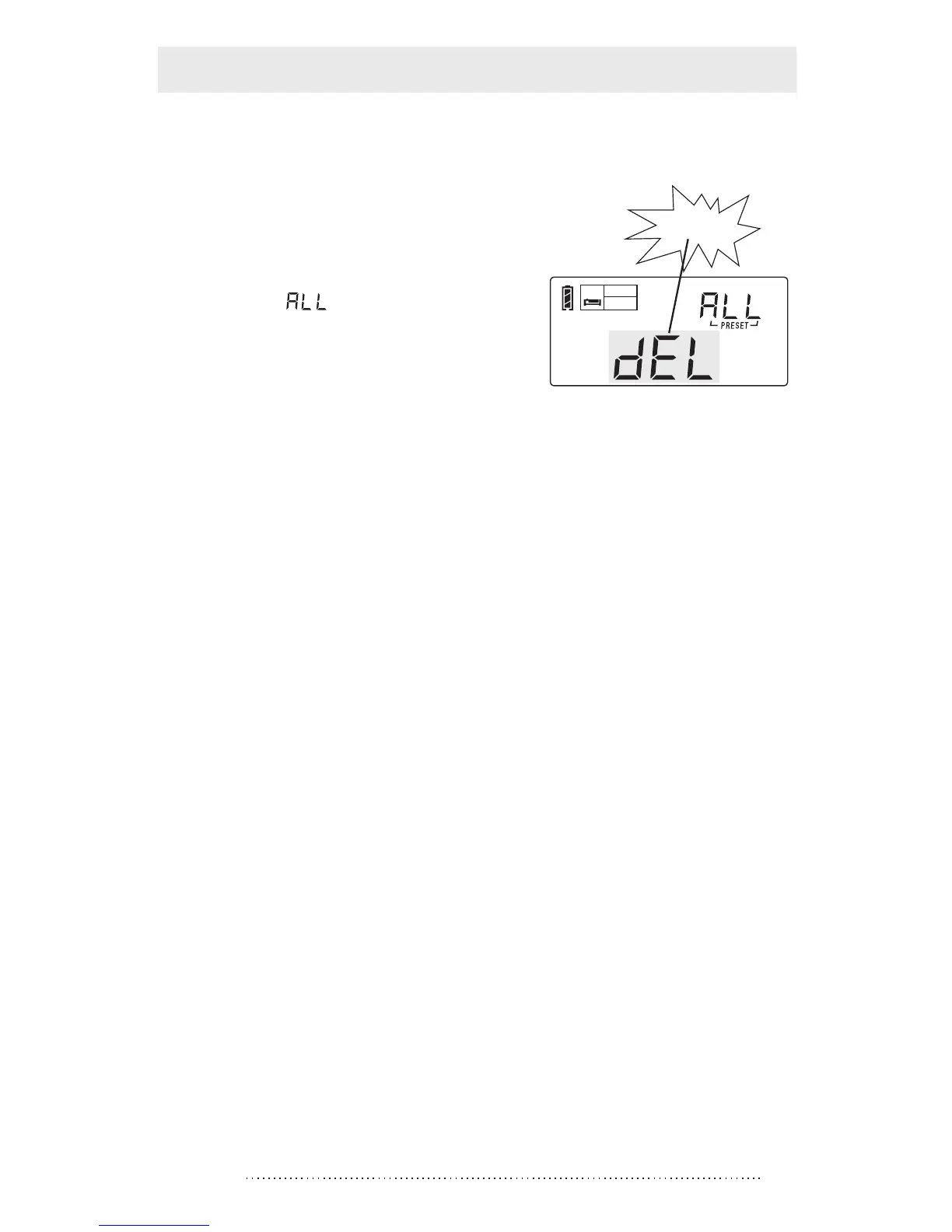
2. Press & hold the [DELETE]
button for 3 seconds and
notices “ ” flashing in the
upper right corner of display.
3. Press the [DELETE] button
again to delete all memory
within the selected band.
Note: If the [DELETE] button has not been pressed within
3 seconds to confirm, it will exit the delete function
automatically.
flashing
SLEEP
Timer
Delete all memories



 To Next Page