18
2. How to reduce interference when listening to FM radio?
- Change the length of the telescopic antenna: In general, when listening to lower
frequencies (such as 89.3 MHz), fully extend the telescopic antenna. When
listening to higher frequencies (such as 105.2 MHz), reduce the length of the
antenna;
- Change the angle and direction of the telescopic antenna;
- Move to a different location, then try listening to the station again;
- Turn off the stereo function;
- Connect an external directional antenna (do not use it during a thunderstorm).
15
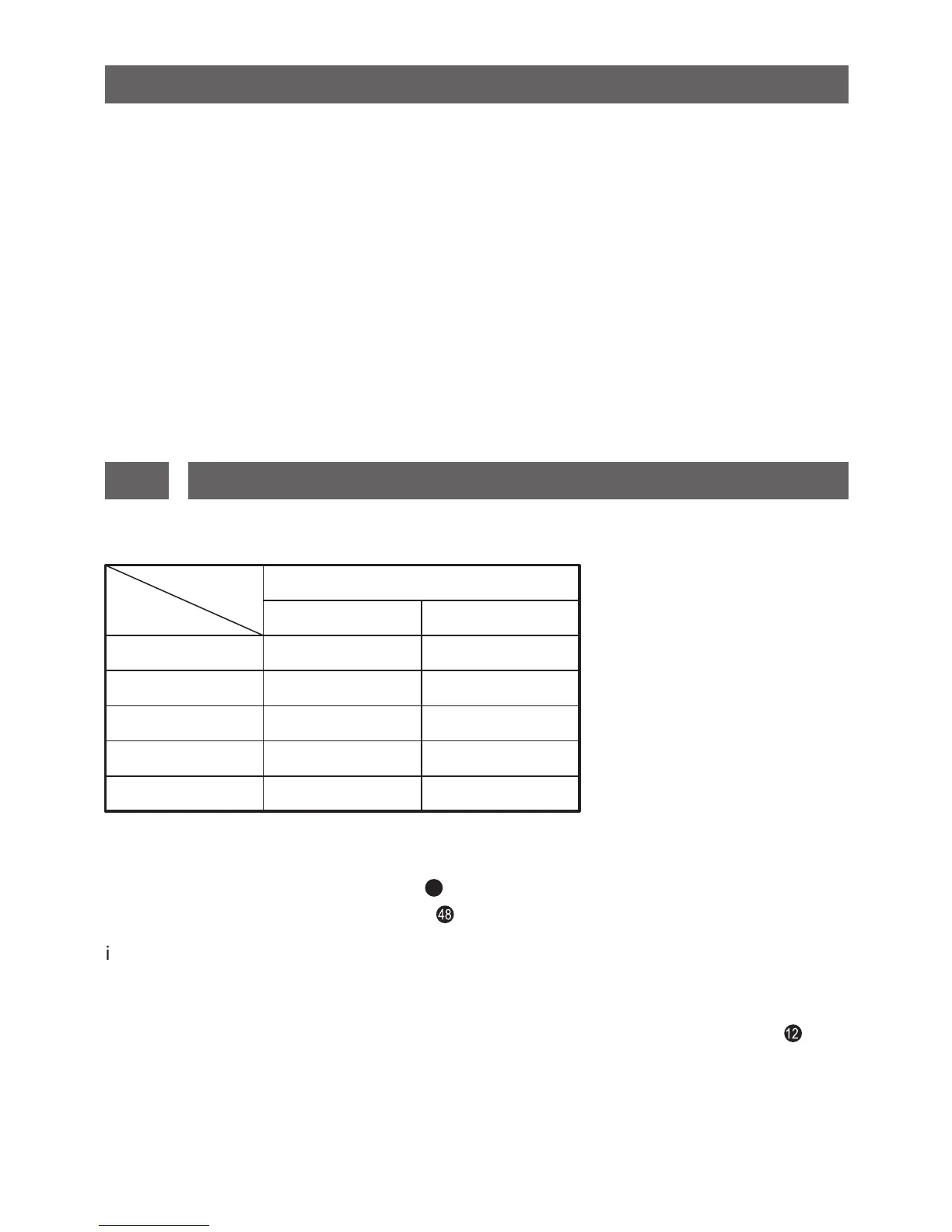
This device can store 650 stations into its memory. Please refer to the chart below:
BAND
MEMORY
FM
SW
MW
LW
SSB
Memory for each band
P
ATS
250
100
100
100
100
√
√
√
√
√
STORING STATIONS INTO MEMORY
METHOD 1: Manual storage
Radio operation: [MEMORY] button
Remote control operation: [M] button
9
) Turn on the radio, select VF mode and tune into your desired radio station.
ii) Press the [MEMORY] / [M] button. The memory location “P00X” blinking in the
upper right corner is the first available empty storage location.
iii) Press the [MEMORY] / [M] button to confirm, or rotate the [TUNING] knob to
select your desired alternative memory location. If the alternative memory location
already contains a stored station, then this will be replaced by the new station.


 To Next Page
 Loading...