24
25
27
DISPLAY & BACKLIGHT FEATURES
While listening to the radio:
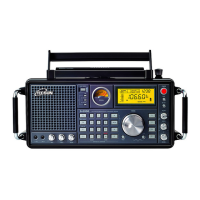
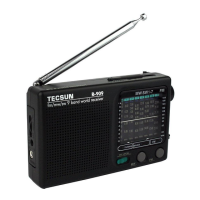
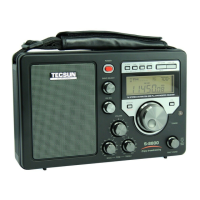
i) Press the [DISPLAY] button on the radio to display the clock time “00:00”, alarm
time “00:00 AL” or memory location “PXXX” (only in VM mode) in the top right
corner of the LCD.
ii) Press the [TIME] button on the radio to display either the station frequency or
clock time.
iii) Press the [DISPLAY] button on the remote control to show either the station
frequency or clock time.
DISPLAY
Note:
When the LCD display is set to clock time, press the [POWER] button twice to turn
off the radio.
RETURN TO PREVIOUS STATION
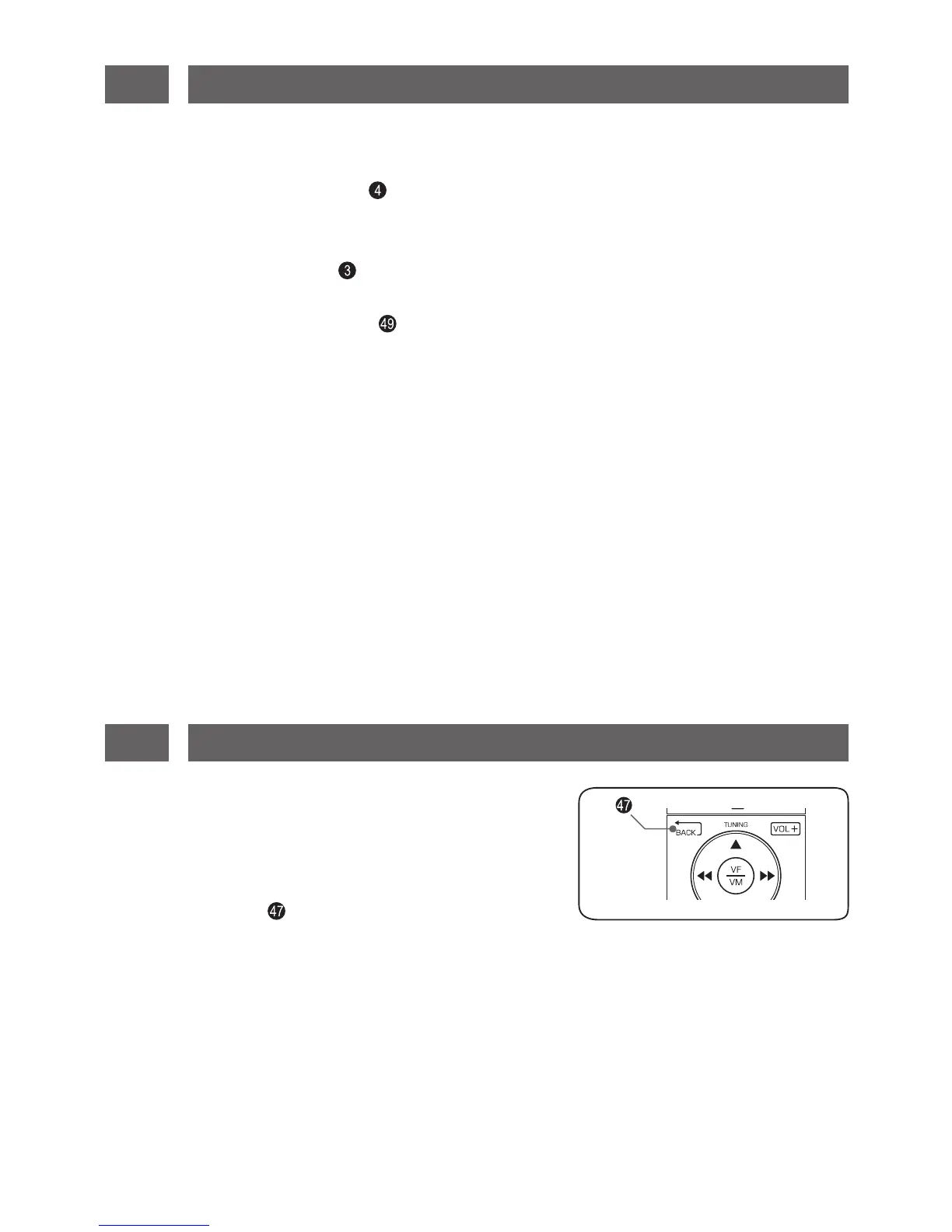
This feature is used to quickly switch between two
stations (not limited to a single frequency band).
Tune to your desired station-A, then press and hold
the [BACK] button on the remote control to store
it as the “return station”. When tuning other frequencies,
press the [BACK] button at any time to return to the stored station-A.
Backlight
This device has an intelligent backlight function, meaning that the backlight is lid for
about 5 seconds after operating any key or knob. To turn on the backlight
continuously, turn off the radio, then press and hold the [3] key on the remote control
until “ON” appears on the LCD. Press and hold again to switch back to intelligent
lighting function.


 To Next Page