© 2014 552_D - 09/14
26 of 44
A Watts Water Technologies Company
Setting Display
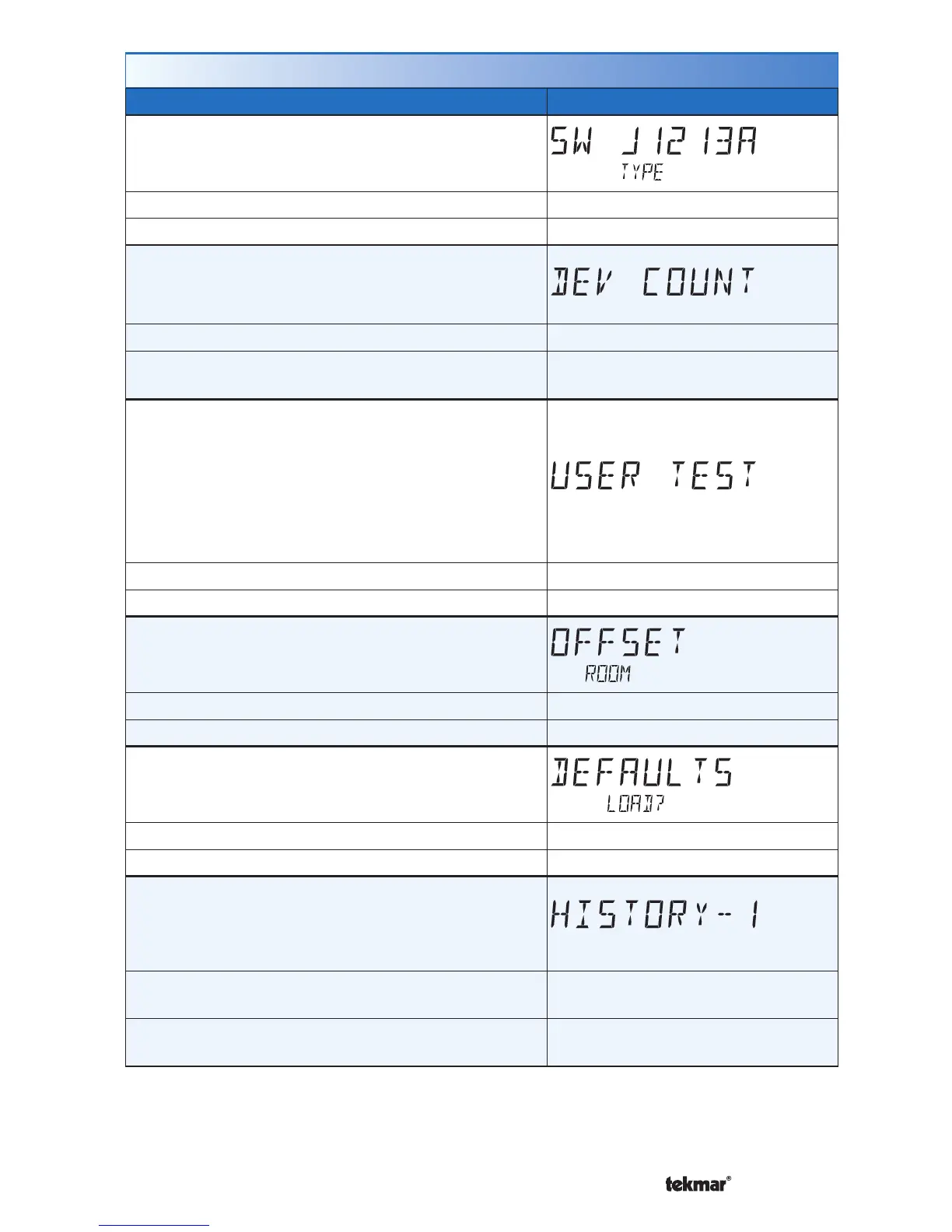
SOFTWARE AND TYPE VERSION
Displays the software version and the tekmar type
number.
Access Level: Installer, User, Limited, Secure Range: 552
Conditions: Always available. Default: 552
DEVICE COUNT
Provides a count of all the tekmarNet
®
thermostats
and setpoint controls on the tekmarNet
®
system.
Access Level: Installer Range: 1 to 24
Conditions: Must be connected to a tekmarNet
®
system.
Default: 1
USER TEST
Select to begin the test routine by touching the up
arrow.
Step 1: The W1 relay will turn on.
Touch Cancel to stop test routine.
Touch Hold to pause test routine at current step for
5 minutes.
Access Level: Installer Range: OFF or ON
Conditions: Always available. Default: OFF
OFFSET ROOM
Manual offset correction of the room temperature
measurement.
Access Level: Installer Range: -5 to +5°F (-3.0 to +3.0°C)
Conditions: Always available. Default: 0°F (0.0°C)
LOAD FACTORY DEFAULTS
Touch Enter to load the factory defaults settings.
Access Level: Installer Range: None
Conditions: Always available. Default: Keep existing settings
ERROR HISTORY 1 THROUGH 5
Displays a history of the last 5 errors that have occurred
on the thermostat in the past 30 days. Touch Enter
to manually clear the error code.
Access Level: Installer
Range: See Troubleshooting
section
Conditions: An error must have occurred in order to
view in the error history.
Default: Not applicable
Toolbox Menu (3 of 3)



 To Next Page