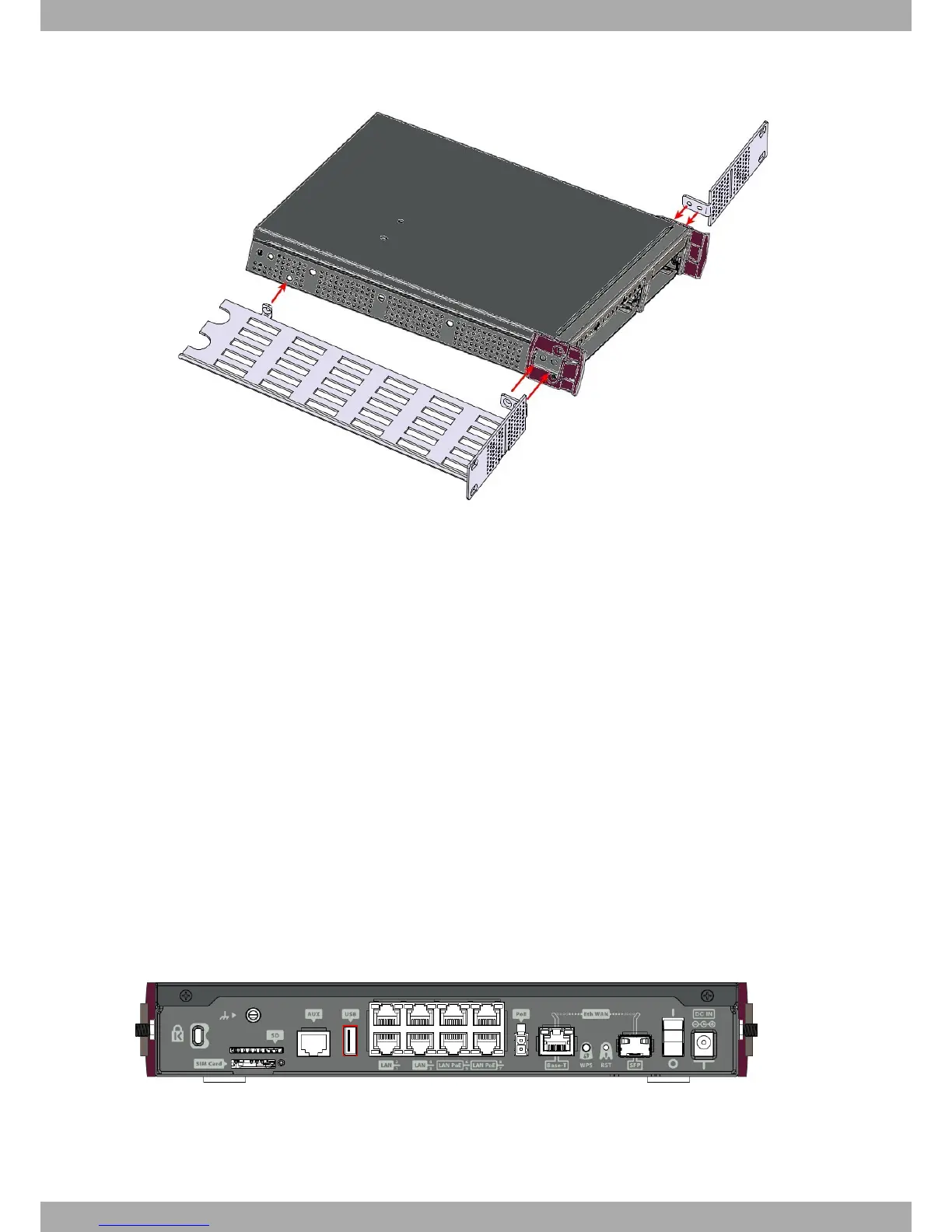
Fig. 14: Rack anchor bolts
3.3.1 Standalone
Teldat iM8 devices can be placed as standalones on a flat, stable surface. The adhesive rubber feet must be stuck
to the underside panel to prevent the router from sliding.
Make sure there is enough space around the router (for ventilation purposes) and check that the power cord and
data cables can reach it.
3.3.2 Wall mounting
The Teldat iM8 cannot be mounted on the wall.
3.4 Plug-in Modules
Presently, only a 3G USB modem can be inserted in the device. To view the list of supported 3G modems, please
visit the following website: http://www.teldat.com.
3.4.1 Installation
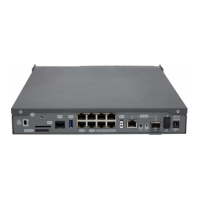
Simply insert the USB in the appropriate slot on the rear panel, as shown in the following figure:
Fig. 15: USB modem insertion slot
Teldat S.A.
3 Components and Power Supply
Teldat Router iM8 11


 To Next Page