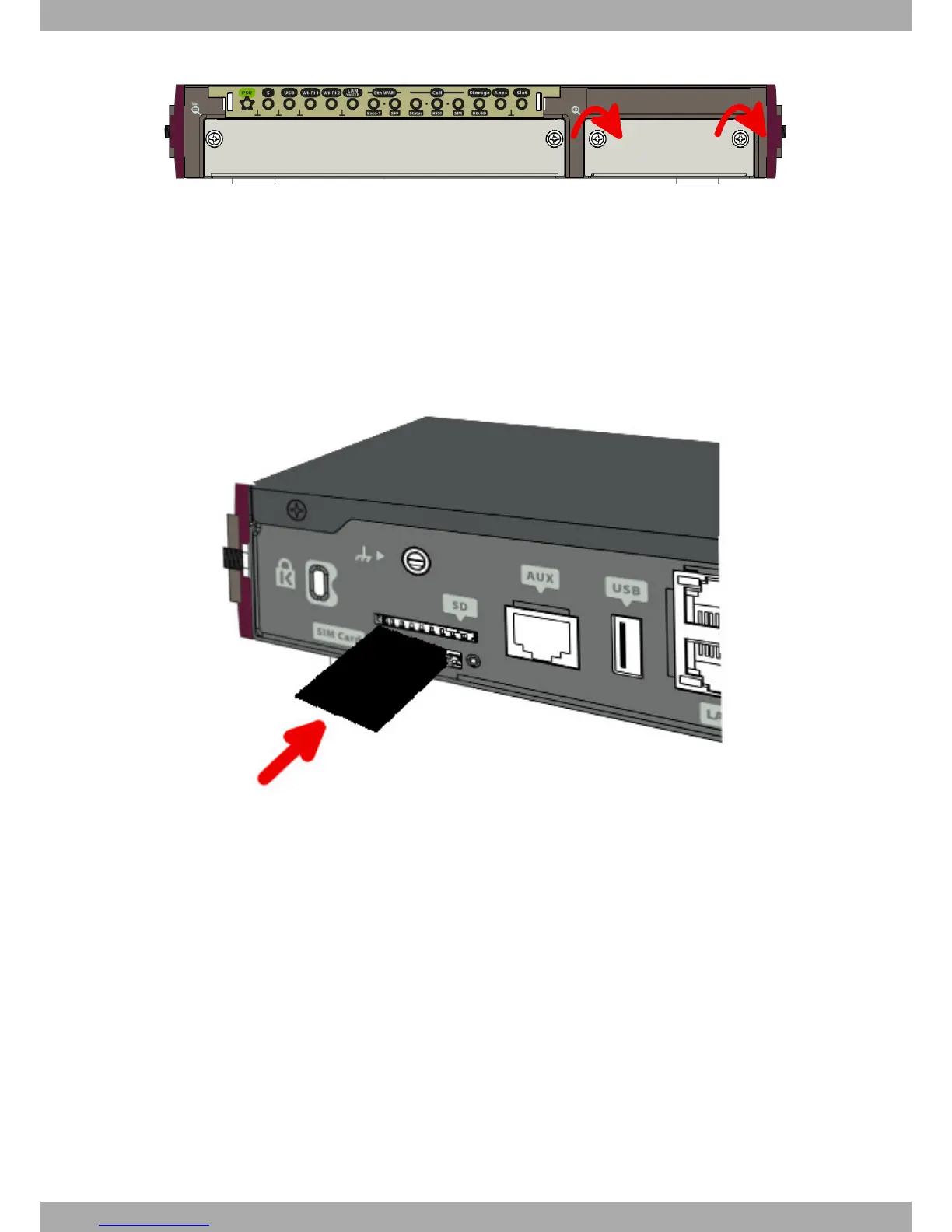
Fig. 36: Screw the tray to the front panel
(8) Connect the equipment as indicated in section 3.5.1.1 "Connecting". Connect the terminal to the console and
check that the device detects the hard disk.
3.9.2 Procedure to install a flash memory expansion SD
To install an SD card, insert it into the SD tray as shown in the following figure:
Fig. 37: Inserting SD card
Teldat S.A.
3 Components and Power Supply
Teldat Router iM8 23


 To Next Page