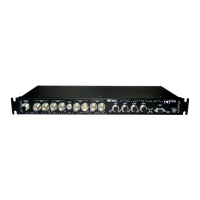
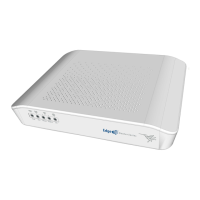
- WAN SFP interface on page 27
E Eth WAN-2 Base-T. WAN Gigabit Ethernet.
For more information on the WAN interface, refer to:
- WAN connections on page 13
- WAN Base-T connectors on page 25
- WAN Base-T interface on page 27
F 4-port Gigabit LAN Ethernet (LAN1 to LAN4).
For more information on the LAN interface, refer to:
- 4-port Ethernet LAN connections on page 13
- LAN connectors on page 25
- LAN interface on page 27
G CONSOLE. Provides access to the M10-Smart local console for configuration and
monitoring purposes.
- Connecting for configuration on page 16
- Configuration connector on page 26
- Configuration interface on page 30
H USB 3.0 Ports.
For more information on the USB 3.0 connector, refer to:
- Plug-in modules on page 11
- on page
- USB 3.0 interface on page 30
I RESET. Reset button. For further information on how the reset button works,
please see RST button on page 12.
J Cell connectors (Main and Aux 1). Depend on model.
For more information on the Cellular interface, refer to:
- WWAN antenna connection (cell connector) on page 14
- WWAN connector on page 25
- Wireless WAN interface on page 28
In addition to the foregoing, the rear panel also has LEDs linked to the LAN and WAN Ethernet interfaces.
3.1.2.1 LEDs
The following figure shows the router's Ethernet LAN LED indicators:
Teldat S.A.
3 Components and Power Supply
M10-Smart 7


 To Next Page