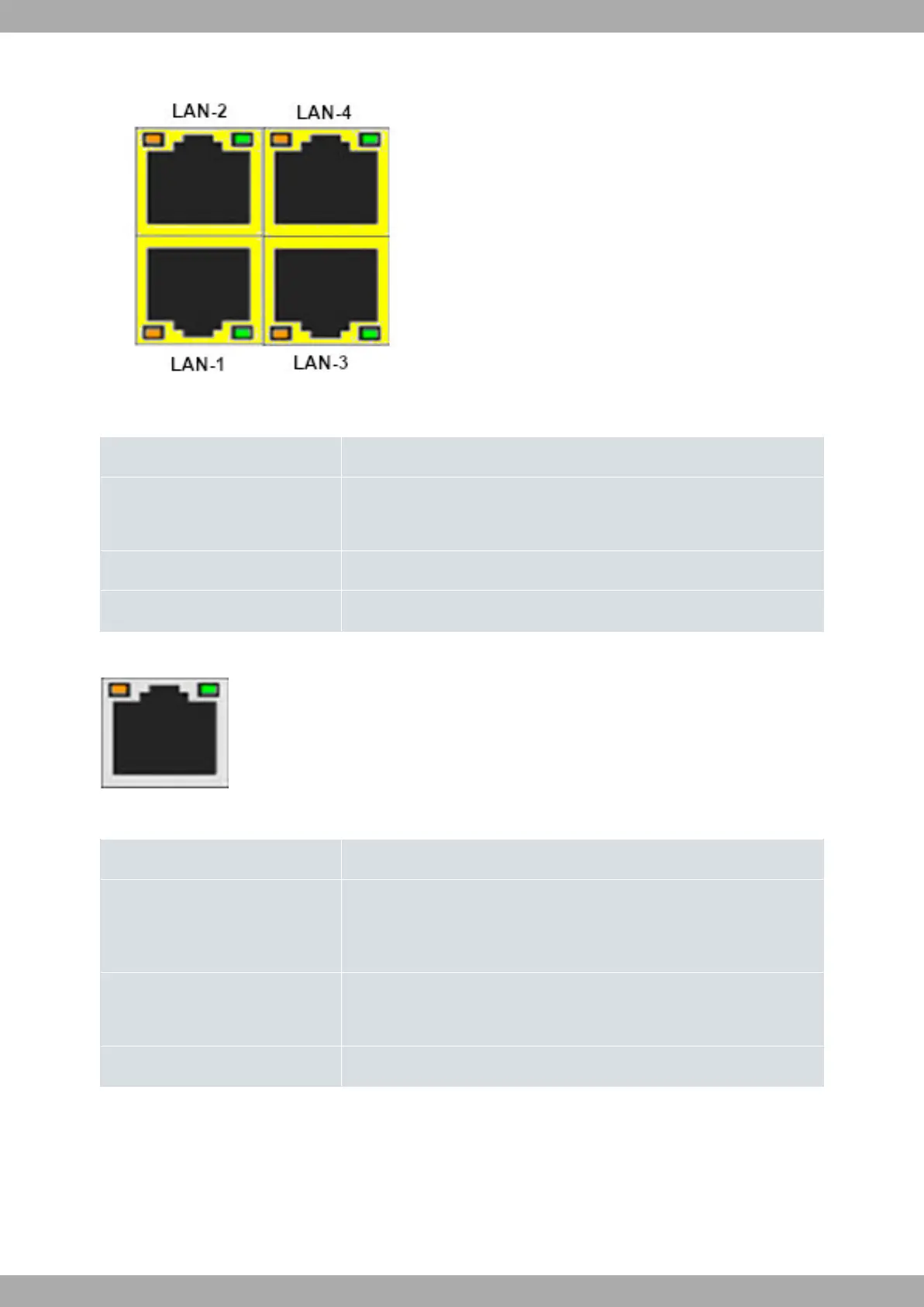
Fig. 4: LAN LEDs
LAN Ethernet LED indicators
LED Description
Green - Steady: 10/100/1000M link established.
- Blinking: Transferring data.
Yellow - Steady: 1000M link established.
None Interface is either unavailable, not installed, or not registered.
The following figure shows the router's WAN LED indicators:
Fig. 5: WAN LEDs
WAN Ethernet LED indicators
LED Description
Green
Copper status
- Steady: 10/100/1000M link established.
- Blinking: Transferring data.
Yellow Fiber status:
- Steady: 1000M link established.
None Interface is either unavailable, not installed, or not registered.
3.1.3 Side panel
SIM holder and Kensington slot are located on the side panel.
3 Components and Power Supply Teldat S.A.
8 M10-Smart


 To Next Page