EasyManua.ls Logo

Telefire TSA-1000 - User Manual

Telefire TSA-1000
85 pages
Print Icon
To Next Page IconTo Next Page
Loading...
Control Panels
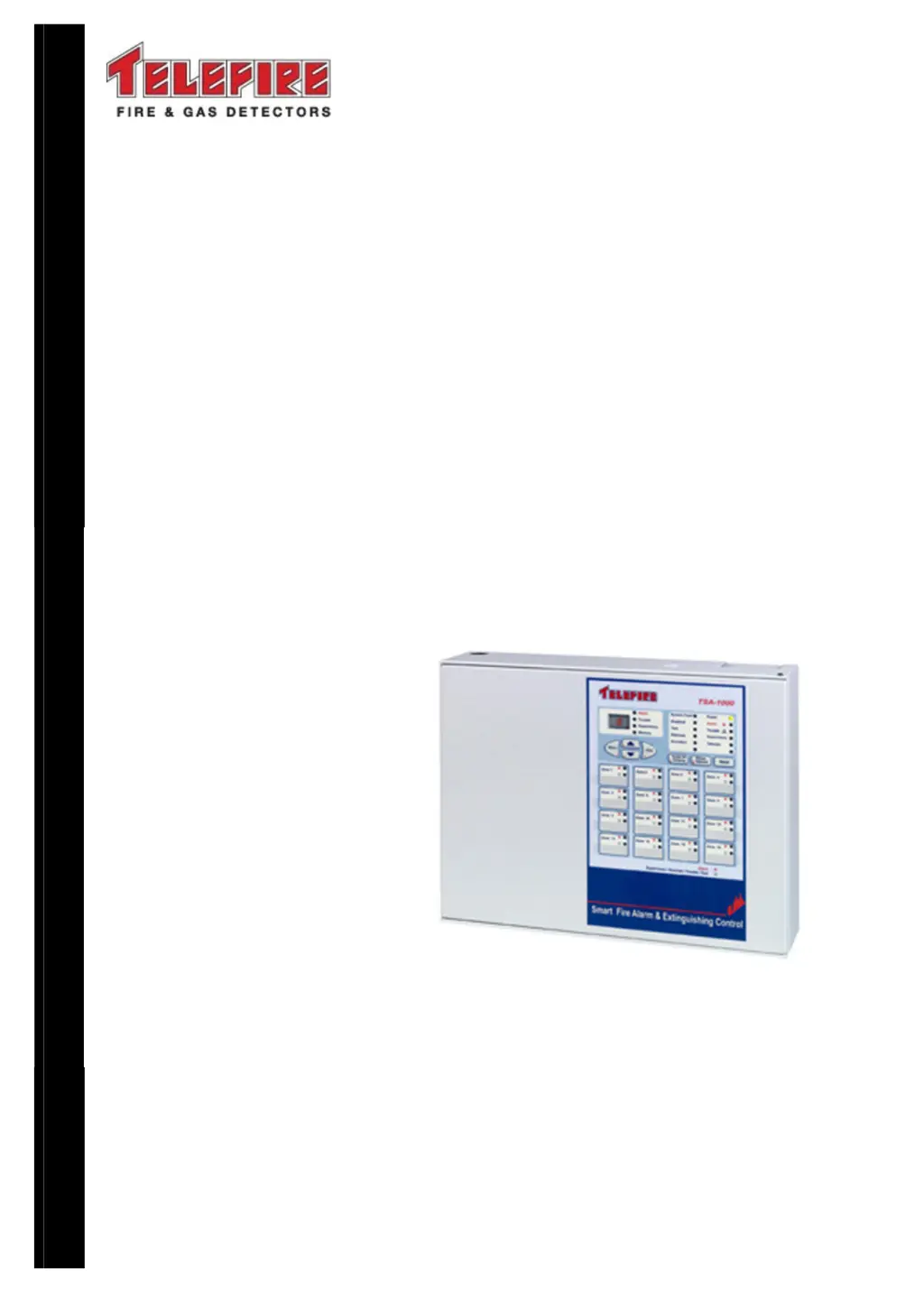
TSA-1000
Conventional
Multi-Zone
Fire Alarm and Extinguishing
Control Panel
Technical Manual
T
ELEFIRE
F
IRE
&
G
AS
D
ETECTORS
L
TD
PO Box 7036
Petach Tikva 49250
Israel
Tel: 972 3 970 0400
Fax: 972 3 921 1816
eMail: marketing@telefire.co.il
Web: www.telefire.co.il
TSA
TSATSA
TSA-
--
-1000
10001000
1000En
EnEn
En112
112112
112.pdf
.pdf.pdf
.pdf
Revision 1.12
April 2012

Table of Contents

Questions and Answers

  • Y
    Yolanda HarperSep 16, 2025
    What does 'Expansion Module # is not connected' mean on my Telefire TSA-1000 Control Panel and how do I fix it?
    • J
      Joyce LaneSep 16, 2025
      If your Telefire Control Panel displays 'Expansion Module # is not connected', connect the expansion module to the system.
  • N
    Nicholas StevensSep 18, 2025
    What does 'Expansion module # – configuration error' mean on my Telefire Control Panel and how do I fix it?
    • R
      Robert RangelSep 18, 2025
      If your Telefire Control Panel displays 'Expansion module # – configuration error', reconfigure the expansion module.
  • P
    Perry CrossSep 18, 2025
    What does 'Expansion Module # is connected, but is not configured' mean on my Telefire Control Panel and how do I fix it?
    • S
      Steven MyersSep 18, 2025
      If your Telefire Control Panel displays 'Expansion Module # is connected, but is not configured', configure the expansion module in the system settings.
  • D
    Daniel WilsonSep 22, 2025
    What does 'Extinguishing output # activated. This display remains even after control panel reset' mean on my Telefire TSA-1000 and how do I fix it?
    • S
      Shane Baker PhDSep 22, 2025
      If your Telefire Control Panel displays 'Extinguishing output # activated. This display remains even after control panel reset', enter programming mode and return to normal to clear status.
  • D
    davidfisherSep 23, 2025
    What does 'Checksum error – return the TSA–1000 to the manufacturer for repair' mean on my Telefire TSA-1000 Control Panel and what should I do?
    • P
      Pamela ScottSep 23, 2025
      If your Telefire Control Panel displays 'Checksum error – return the TSA–1000 to the manufacturer for repair', contact manufacturer for return and repair.
  • A
    Amy WilliamsSep 23, 2025
    What does 'EPROM failure – return to manufacturer for repair' mean on my Telefire Control Panel and what should I do?
    • J
      Joel Dominguez Jr.Sep 23, 2025
      If your Telefire Control Panel displays 'EPROM failure – return to manufacturer for repair', contact manufacturer for return and repair.
  • F
    fcaseySep 23, 2025
    What does 'Checksum error on site–specific data. Return the control panel to the factory default configuration' mean on my Telefire Control Panel and how do I fix it?
    • T
      taylorjavierSep 23, 2025
      If your Telefire Control Panel displays 'Checksum error on site–specific data. Return the control panel to the factory default configuration', reset control panel to factory default and reconfigure.
  • J
    Jean LeeAug 31, 2025
    What to do if my Telefire Control Panel shows 'Ground fault – negative wire leakage'?
    • K
      Kyle RodriguezAug 31, 2025
      If the Telefire Control Panel displays 'Ground fault – negative wire leakage', inspect the negative wiring for leaks.
  • M
    Michael HinesAug 25, 2025
    What to do if my Telefire TSA-1000 has a disconnected battery?
    • E
      Erica StoneAug 25, 2025
      If the Telefire Control Panel displays a disconnected battery, reconnect the battery to restore power and functionality.
  • E
    Eric MartinezAug 25, 2025
    How to fix no input power on Telefire Control Panel AC LED?
    • L
      Leslie ObrienAug 26, 2025
      If there is no input power indicated by the AC LED on your Telefire Control Panel, check the AC power supply and connections to ensure they are properly connected.

Summary

Functions and Options

Safety

Grounding and Mains Supply Connection

Guidelines for safe electrical grounding and mains connection.

Batteries Handling and Safety

Precautions and procedures for handling and maintaining batteries.

Technical Specifications

Main Elements, Basic Unit

Description of the primary components of the TSA-1000 control panel.

Expansion Modules

Available modules to extend the panel's functionality.

Table of Technical Specifications, TSA-1000

Comprehensive table of the TSA-1000's technical specifications.

TSA-1000 Control Panel Assembly

Power Supply, Charger and Batteries

Details on the power supply, charger, and battery requirements.

Main Board

Description of the main board, its connectors, and interfaces.

User Interface-Display and Keyboard

General Display Area

Overview of the general display area and its LEDs.

Digital Display and Digital Display Indicators

Details on the digital display and its indicators.

Work States

Alarm State

Details on how the panel indicates and handles alarm states.

Fault State

Explanation of how the panel indicates and manages fault states.

Installation

Pre-Installation Planning

Planning considerations before installing the control panel.

Mounting

Recommendations and procedures for physically mounting the control panel.

Wiring

General information and best practices for wiring the system.

Mains Power Supply

How to connect the control panel to the mains power supply.

Installing Detectors, Input and Output Devices, and Other Devices

Extinguishing

Automatic Extinguishing

How automatic extinguishing sequences are initiated and managed.

Connecting Extinguishing Equipment

Extinguishing Adapters

Types of adapters needed to connect extinguishing devices.

Control Panel Programming

Menu Structure

Overview of the programming menu hierarchy and navigation.

Entering Programming Mode

Steps to access the control panel's programming mode.

Programming Sequence

Step-by-step process for programming panel parameters.

Zone Programming

How to configure input zones and their types.

Output Programming

How to configure system outputs and their operating modes.

Saving Data and Exiting Programming Mode

Procedures for saving programmed settings and exiting the mode.

Operation and Maintenance

Field Test (ft)

Instructions for performing field tests on system devices.

Restoring Default Configuration (dEF)

How to reset the panel to its factory default settings.

Troubleshooting

System Faults

Codes and descriptions for various system faults.

Programming Faults

Common faults encountered during programming and their resolutions.

Commissioning

Maintenance

Routine Testing

Telefire TSA-1000 Specifications

General IconGeneral
BrandTelefire
ModelTSA-1000
CategoryControl Panel
LanguageEnglish

Related product manuals