TOOLS 16
12.3 Changing messaging settings
To view and change the messaging settings, go to Menu > Messages > Message settings. You
can change the following settings:
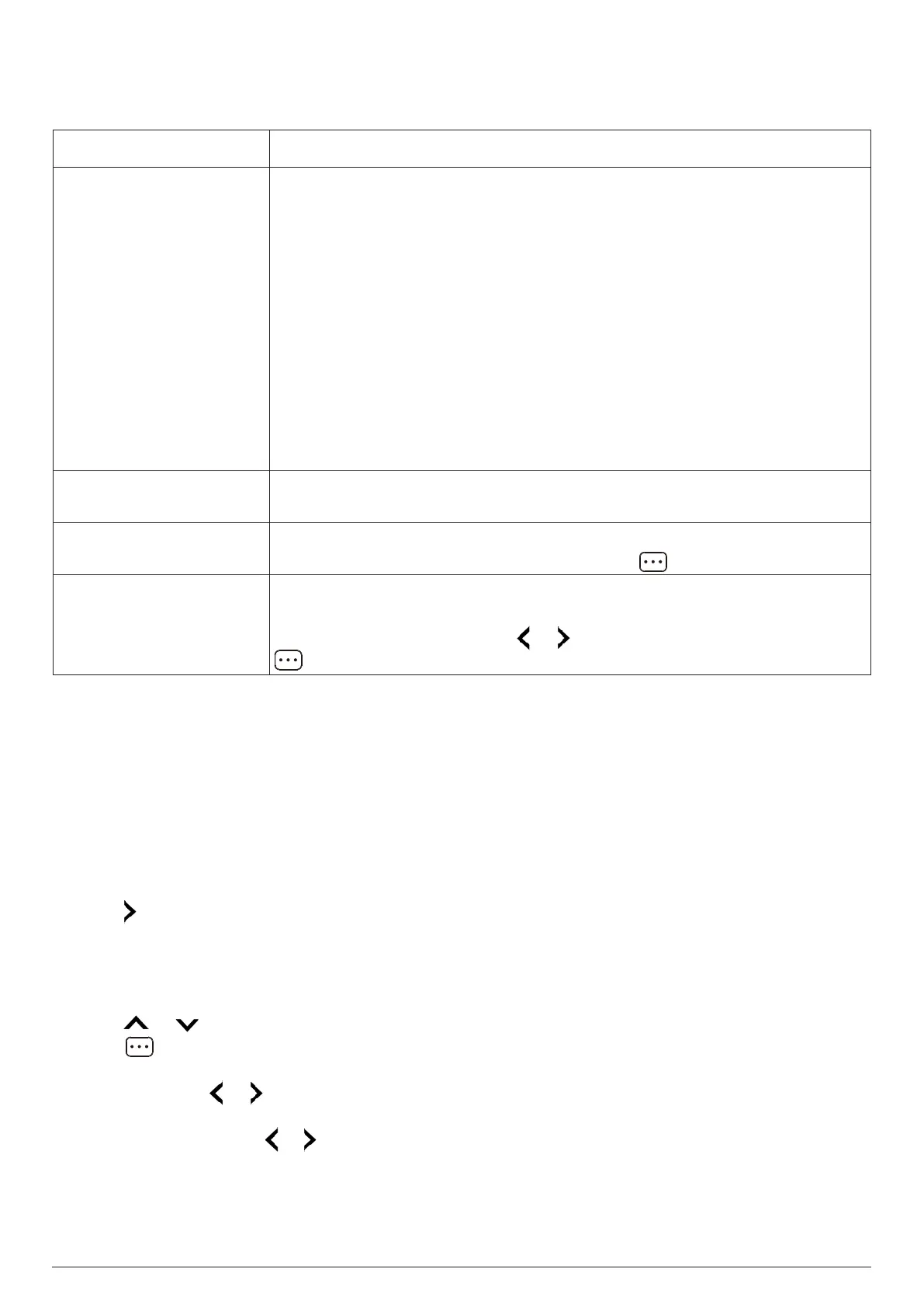
Setting Description
SIM
Profile settings: Select a profile for managing SMS operations. You
can also edit the list of profiles. Each profile has an SMSC (Short
Message Service Center) address and, optionally, a name.
Validity period: If the SMSC (Short Message Service Center) cannot
deliver a message for some reason, it will keep trying for the period
specified here.
Delivery report: When on, for each message you send, you will get
a report telling you whether the message has been delivered. The
default choice is Off.
Voicemail server: Connect to your voicemail or change your
voicemail settings. To connect to your voicemail, press OK or select
Options > Call. To change your voicemail settings, select Options >
Edit.
Memory status
View the used storage and total storage of the SIM card and phone
memory.
SMS counter
View the total numbers of messages sent and received. To reset the
counter (set both total numbers to 0), press twice.
Preferred storage
Choose to use the SIM card or Phone memory to save your messages.
The default choice is Phone.
To change this setting, press or to select SIM or Phone, then press
to save the change.
13. TOOLS
13.1 Alarms
You can set up to 5 alarms. Alarms will still work while the phone is o as long as the battery is
suciently charged. Note: The changes you make to the settings of the proles will not aect how
these alarms work. For instance, if your phone's Silent prole is active, all alarms that you have
turned on will still sound.
To access the alarms, use either of the following methods:
- Press from the home screen.
- Go to Menu > Organizer > Alarm.
Setting an alarm
To set or edit an alarm, follow the steps below:
1. Press or to highlight an alarm in the alarm list.
2. Press or OK to start the editing.
3. Set or change the following alarm options.
- Status: Press or to turn the alarm On or Off.
- Time: Enter the alarm time in 24-hour format using the keypad.
- Snooze (min): Press or to select Off, 1, 3, 5 or 10. Note: If you select Off, selecting Snooze
when the alarm goes o will make the alarm go off again 24 hours later.
- Repeat: Press OK to open the list of available repeat patterns and select one. You can select
Once, Everyday or Custom. If you select Custom, select one or more days (Monday to Sunday)
from the list and then select Options > Done to save your choices.



 To Next Page