GETTING STARTED 5
PART DESCRIPTION
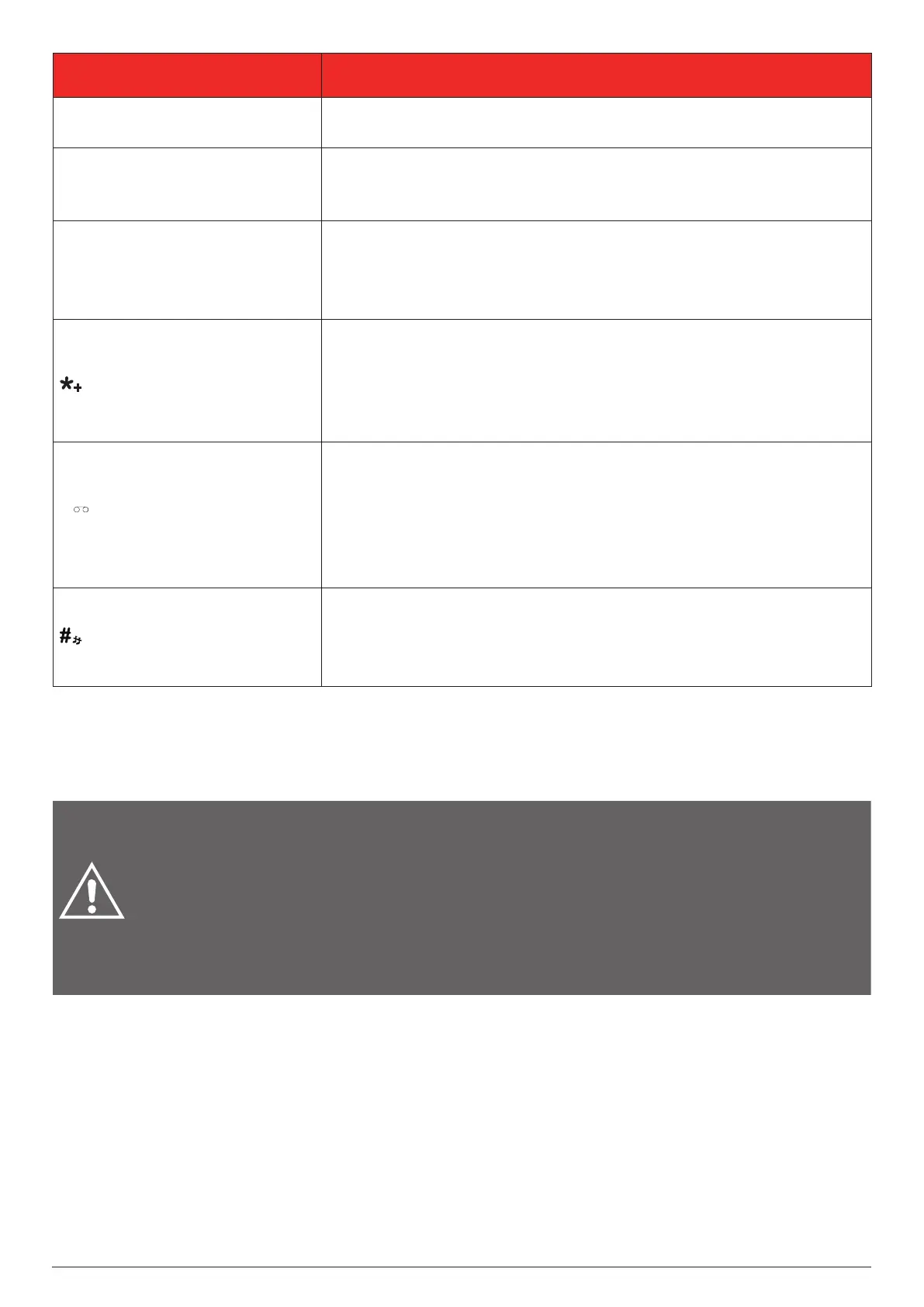
USB-C port
Allows you to charge the battery. Also allows you to transfer data
to or from another device when a microSD card is installed.
3.5 mm headset jack
Allows you to plug in the supplied
wired earbuds with a microphone
or other earphones for hands-free conversations or listening to
audio.
Flip-opening cover
Open the cover to reveal the keypad to dial a number or answer
an incoming call (if this answer mode has been turned on in
Settings).
Close the cover to end a call.
Double-press to enter the international call prex (+) from the
home screen. To make an international call, enter a +, followed
by the country code and the desired number without the 0 at
the beginning.
Press to access the symbol list in edit mode.
Press to dial "1" from the home screen.
Long press to enter "1" in edit mode.
Press repeatedly to select and enter a common symbol in edit
mode.
Press and hold to connect to your voicemail from the home
screen.
Press to dial "#" from the home screen.
Press to change the input method in edit mode.
Press and hold to toggle between your last used and the silent
ring modes from the home screen.
4. GETTING STARTED
The topics in this section will help you prepare your phone, battery, mini-SIM card, microSD card (required
for camera & multimedia functions), and charger.
WARNINGS:
Your device and its accessories are not toys. They may contain small parts. Keep
them out of the reach of small children.
Do not let children use the device and/or play with the device and accessories
without supervision.
Inserting an accessory into the incorrect jack/port may damage the phone.
The mains adaptor is the cuto system for electrical supply to the device. The power socket must
be close to the device and easily accessible.
4.1 Removing or attaching the back cover
The groove in the lower-left corner of the back of the phone can be used to remove the back cover.
With a ngernail or an opening tool, pry open the edge of the back cover and pull it up to remove it.
After the battery is inserted, replace the back cover as shown below. Firmly press all corners of the
back cover until it is fully xed in place.



 To Next Page