17
4.6 Photos
Photos acts as amedia player for you to view photos and play videos.
Pictures and videos are displayed by moments and albums in Photos.
• Touch the picture/video directly to view or play.
• Swipe left/right to view previous or next pictures/videos.
Working with photos
You can work with pictures by rotating or cropping them, sharing them with friends, setting them as acontact
photo or wallpaper, etc.
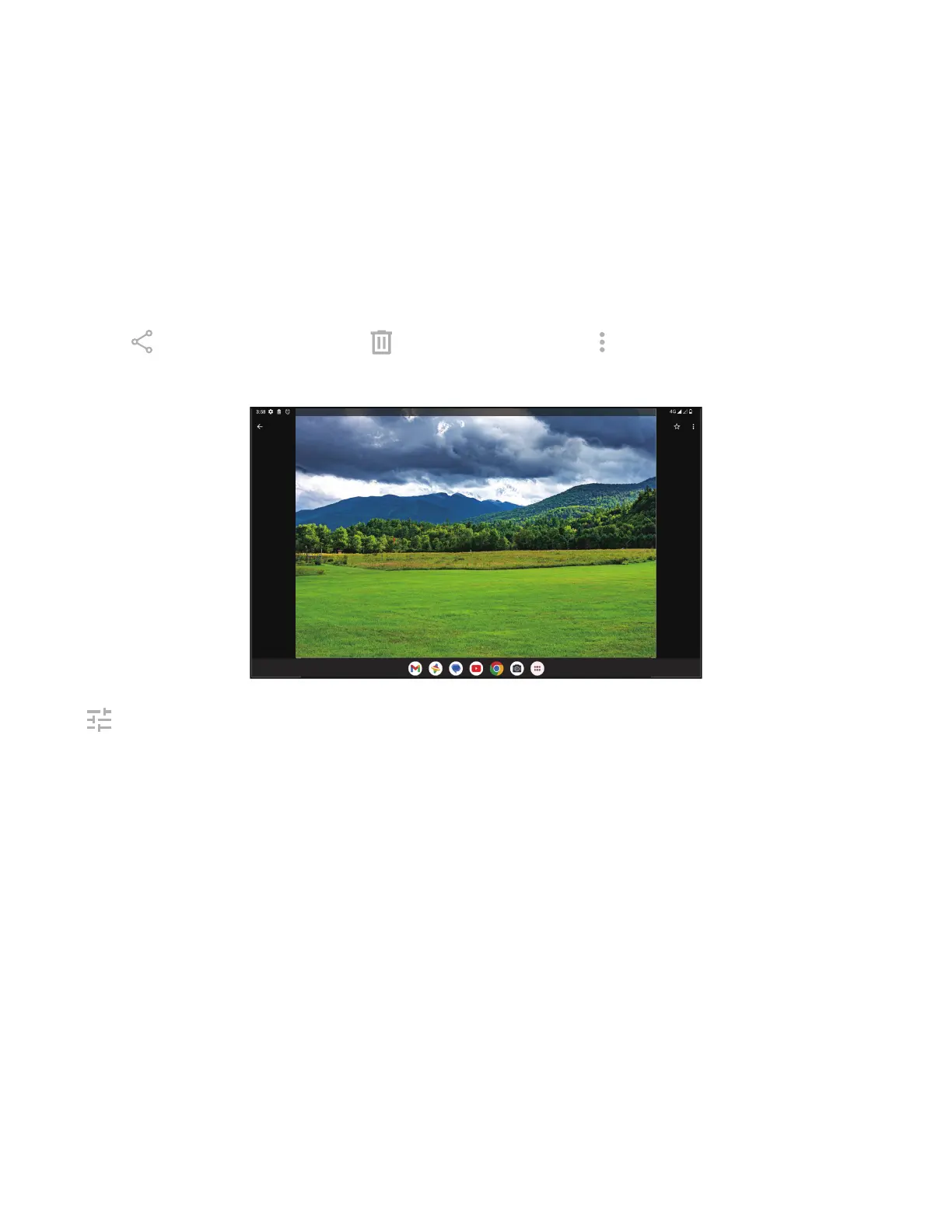
• Locate the picture you want to work on and touch the picture in the full screen picture view.
• Touch
to share the picture, or touch to delete the picture. Touch and select Use as to set the picture as
Contact photo or Wallpaper.
Tap to enter editing screen.
Suggestions Choose Enhance, Warm, or Cool to adjust the picture color.
Crop Select between Auto, Crop, Rotate, Preview, and Reset.
Adjust Manage brightness, contrast, and more.
Filters Choose between avariety such as Vivid, West, Palma, and more.
Markup Personalize your picture by drawing on it or adding words to it.



 To Next Page