MCC201/MCC201H User manual
Video Select
Select the Video stream to be viewed: Primary or Secondary
This camera is capable of dual streaming; primary streaming and secondary streaming.
Video will be displayed according to the resolution set on video configuration. If dual streaming
(“Use Dual Encode” Menu in Video page) is not activated, secondary video is not available.
View Size
Adjust the Screen size
Screen size is initially adjusted according to the compression resolution. If you click 50% icon,
the whole screen size will be reduced to half size.
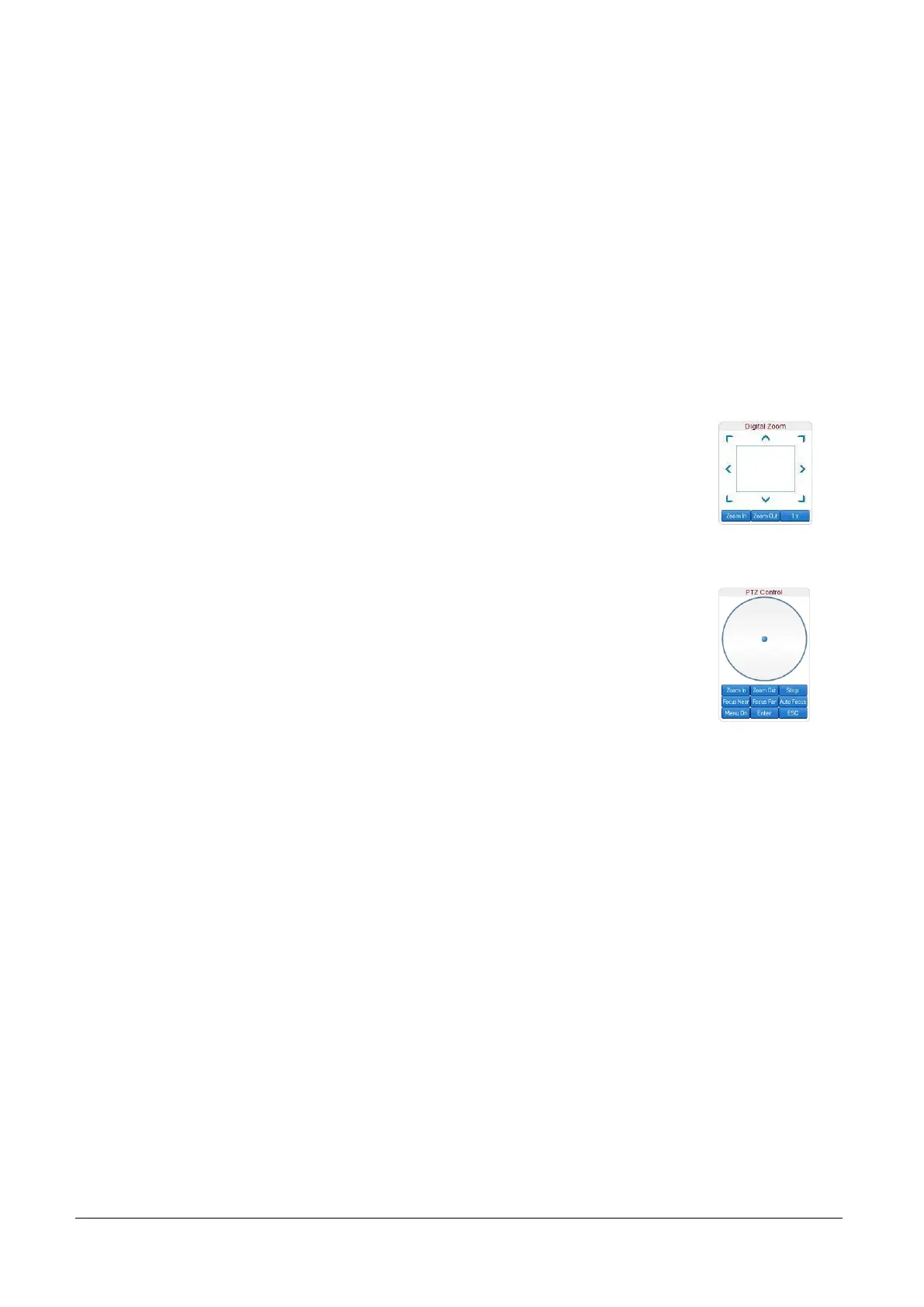
Digital Zoom
Control the Digital zoom on the screen
The more the camera zooms in, the smaller the square of control panel is.
Position of the image can be changed by moving position of the square.
If you press x1, the screen will return to the normal size.
PTZ Control (Optical Zoom & Digital zoom built-in the camera)
Control PTZ and PTZ Control Panel is used for controlling external PTZ devices
when the external PTZ devices are connected through serial port.
It is possible to make zooming control by Zoom in/out buttons of PTZ control Panel
(In order to use digital zoom, select Digital zoom ON in the Camera tab)
- Stop
Stop on-going PTZ action.
- Focus Near, Focus Far, Auto Focus
Adjust the focus of the lens.
Select Preset
Set preset position and move to the specific preset position.
- Goto: Move to the selected preset entry if the preset entry is set.
- Set: Set the current position to the selected preset entry.
- Clear: Delete the selected preset entry.
Sensor Input
Display the status of the sensor in real time.
This camera supports one sensor input. When the sensor of the camera is working, the sensor light
turns red.



 To Next Page