MCC201/MCC201H User manual
4. Remote Configuration • 29
Local
IP mode
Select the IP mode: Fixed IP or DHCP (Dynamic Host Configuration Protocol).
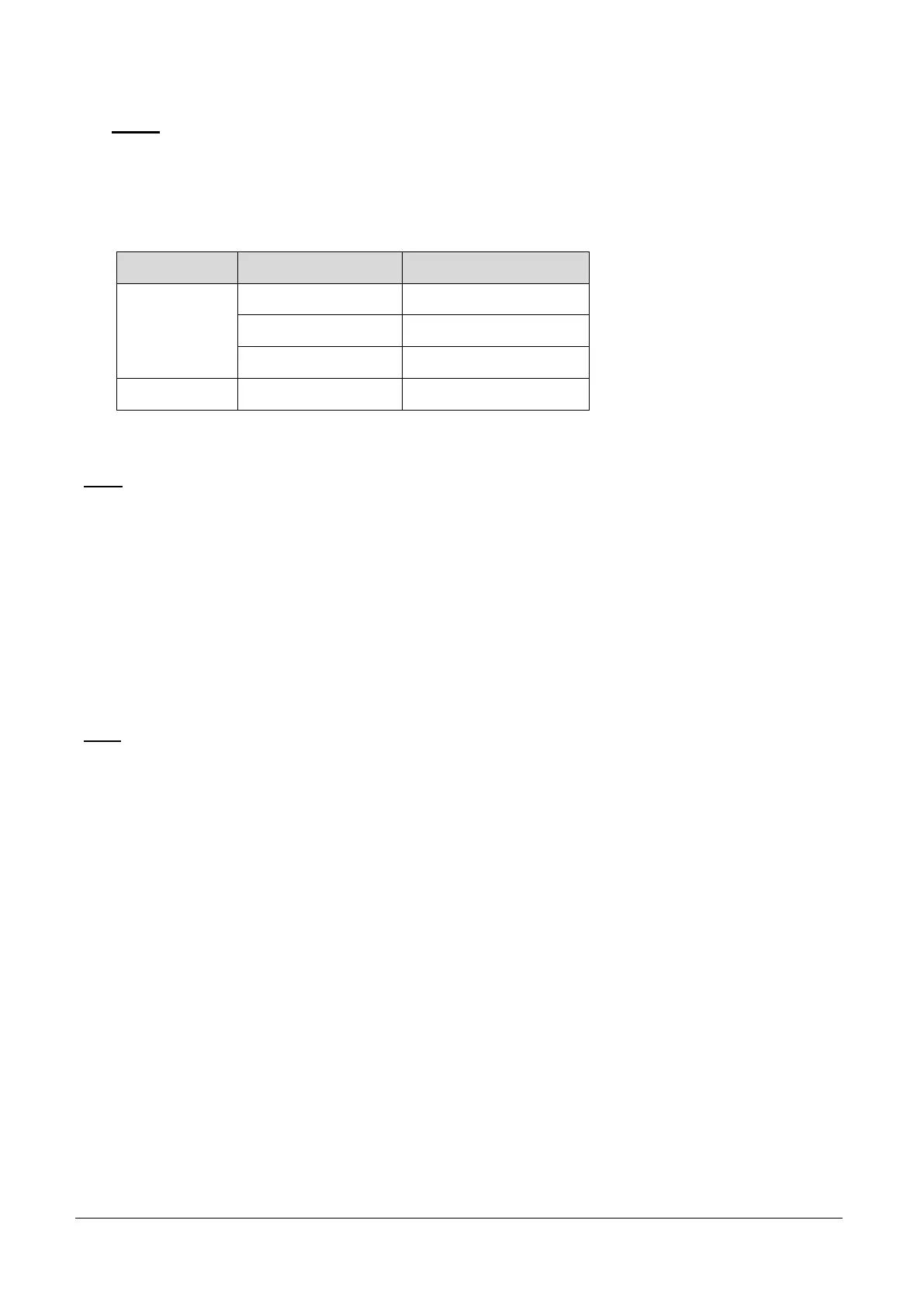
Depending on the selected mode, further configuration items come as follows:
IP Mode Selection Description
Fixed IP
Local IP Fixed IP address
Local Gateway Gateway IP address
Local Subnet Subnet mask
DHCP
N/A
DNS
Obtain DNS server address automatically
Get DNS server address automatically when IP mode is DHCP.
Use the following DNS server addresses
Enter the DNS server IP address manually.
- Primary DNS server
- Secondary DNS server
Ipv6
Ipv6 Address
Enter the designated Ipv6 address.
Ipv6 Subnet Prefix Length
Enter the bit number of Ipv6 Subnet.
Ipv6 Default Gateway
Enter the designated Ipv6 gateway.
Ipv6 Link Local
Display Ipv6 Link Local.



 To Next Page