44 • 4. Remote Configuration
MCC201/MCC201H User manual
DISK
SD memory can be used, and at least 1GB size is recommended. Either EXT3 or FAT32 file system can be
used. A disk with either EXT3 or FAT32 file system can be read in Linux PC. However, only disk with FAT32
file system can be read in Windows PC.
Less than 4Mbps of video bit rate is recommended when you record and monitor video simultaneously since
frame dropping may happen due to performance limitation.
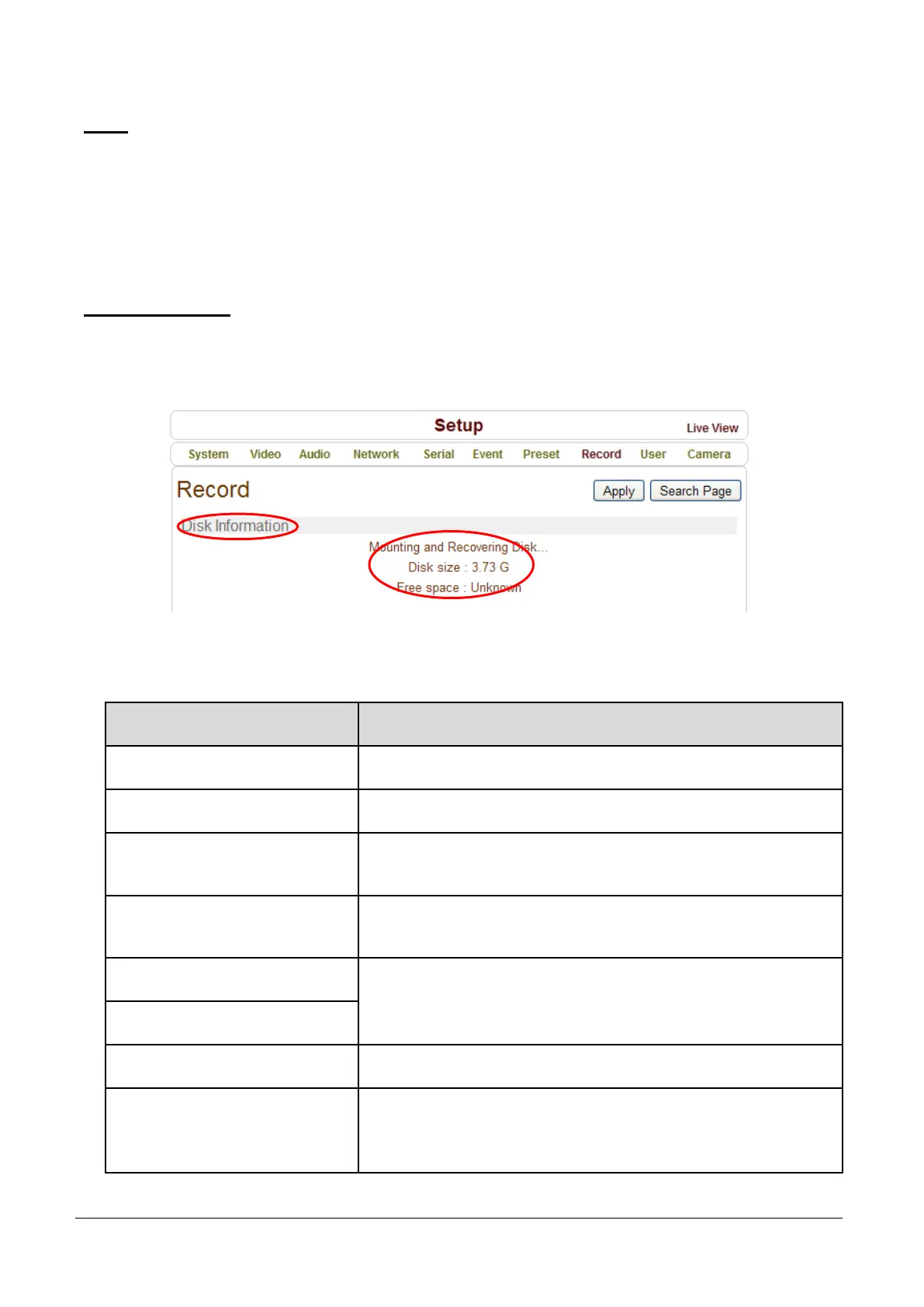
Disk information
Be sure to restart the system after connecting an SD card. During booting, the system reads status of disk
and initializes it. Once the initialization of a disk is finished, the status of disk is shown on Record page of
web-based setup.
Refer to the chart for checking the status of disk.
Disk status Description
Disk error detected Error.
No disk Disk is not connected to the system.
Searching Disk information
Checking the status of disk.
Refresh the page and wait until the status is changed.
Mounting and
Recovering Disk...
Performing recovery process when disk damage is found.
It takes from seconds to minutes for recovering.
Disk format needed
Disk is attached, but the type of the file
system is unknown or damaged.
Unknown disk type detected
USB Disk available Available to be used for recording.
Disk removed or in
abnormal state
Disk is detached during operation or there is damage on the file
system. If it happens while disk is connected, it is recommended
to format the disk.



 To Next Page