User manual
“DTR-7287
”
32
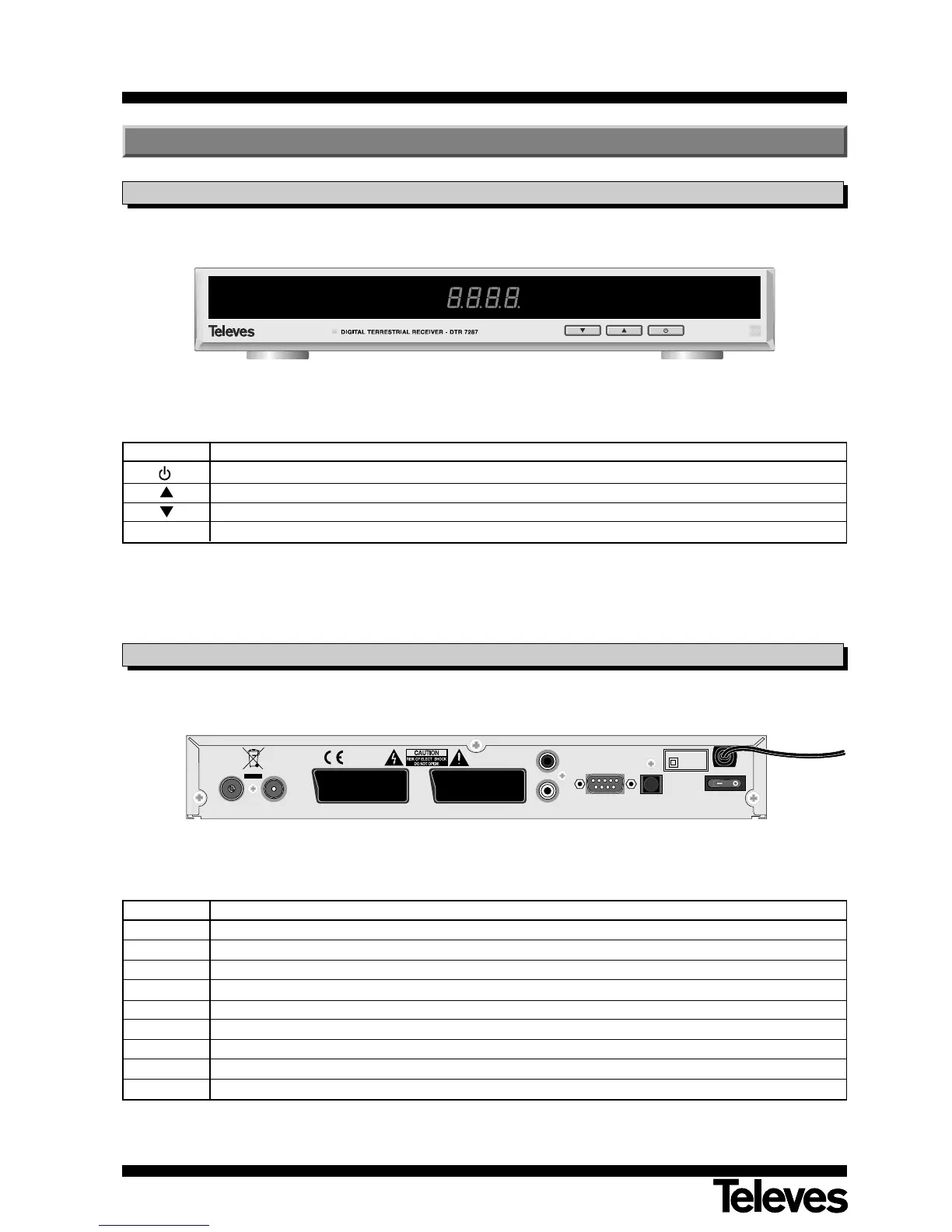
Front Panel
Back Panel
Button Function
Switches between normal and standby operating modes.
Upward program selection.
Downward program selection.
Display In the normal mode, it shows channel N°, in the STANDBY mode it shows the time of day
Name Function
ANT IN
Input for terrestrial aerial signal (feed + 5V/100mA menu selection)
ANT OUT RF outlet for connecting TV or VCR.
VCR To connect a VCR using a SCART.
TV To connect a TV set using a SCART.
AUDIO R Audio outlet (right channel).
AUDIO L Audio outlet (left channel).
RS232 Connection to a serial port (RS232) for data transmission.
S/PDIF Optical outlet of digital audio.
I/O On/off switch
3.- Description of Panels and Controls



 To Next Page