User manual
“DTR-7287
”
40
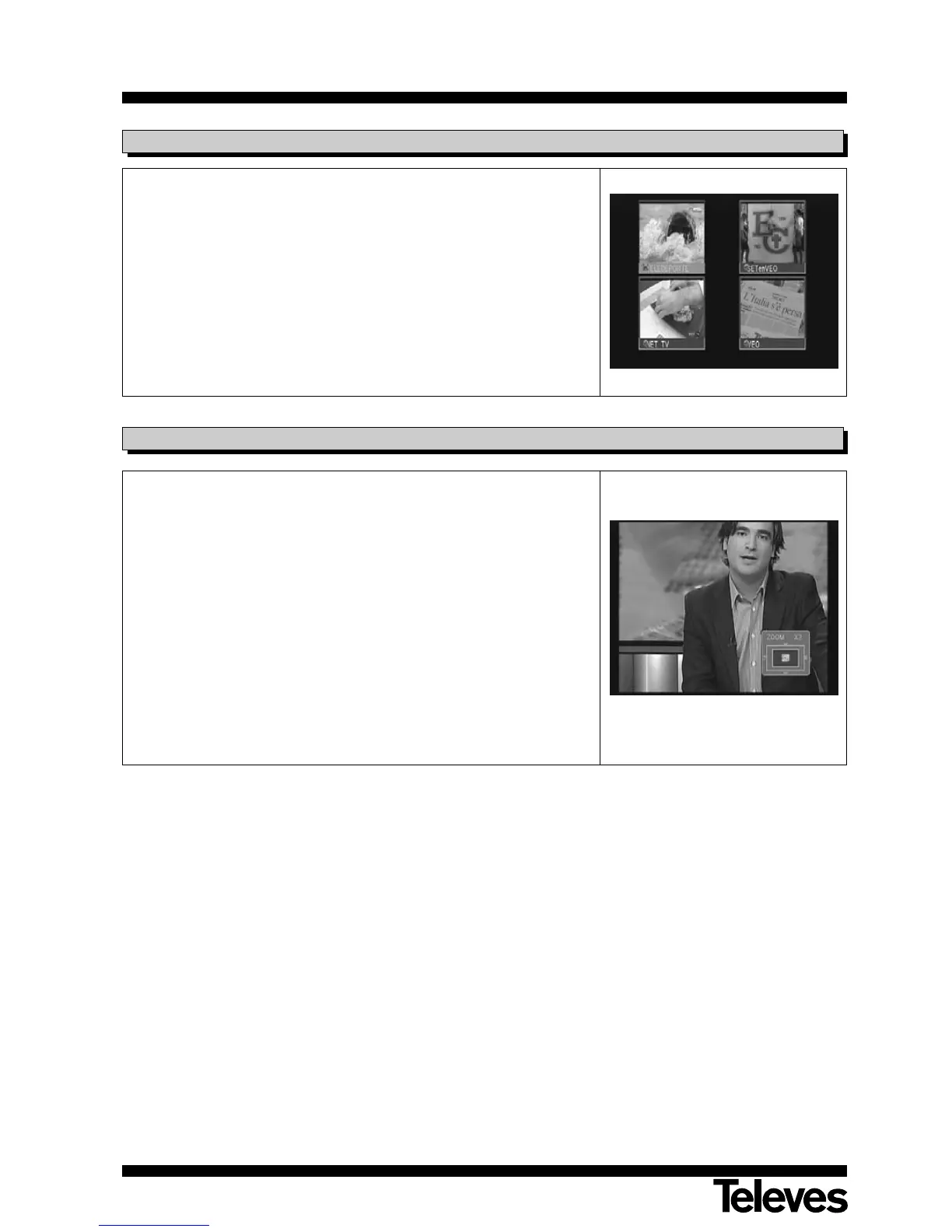
This function enables you to view a mosaic composed of images (group of
programs), consisting of 4, 6 or 9 small screens. The number of screens in
the mosaic may be selected in the menu “Auto/Video Settings” inside the
menu “Settings” in the option “M/P Setting”.
- Once the mosaic is on screen, it is possible to choose one of the
programs for viewing by using the buttons P+/P- and V+/V-.
- To return to normal viewing mode, press the button EXIT.
NOTE: This function does not enable the simultaneous viewing of two
programs.
6.10.- Mosaic function
This function enables you to magnify a selected area of the image you are
viewing.
- Press button F4 to enable the option. You will see a miniature
representation of the screen that indicates the amount of magnification
and the area that is being shown.
- Each subsequent time that the buttons F4 or OK are pressed, the zoom
factor will increase up to a maximum of 16X.
- In order to move the magnified area within the rest of the image, use
buttons P+/P- and V+/V-.
NOTE: Be careful, because as you go increasing the zoom factor, the
quality of the image will deteriorate.
6.11.- Zoom function



 To Next Page