User manual
“DTR-7287
”
42
Este adaptador permite seleccionar todos los servicios de teletexto y/o
subtítulos proporcionados por el proveedor de servicios.
Tele-text
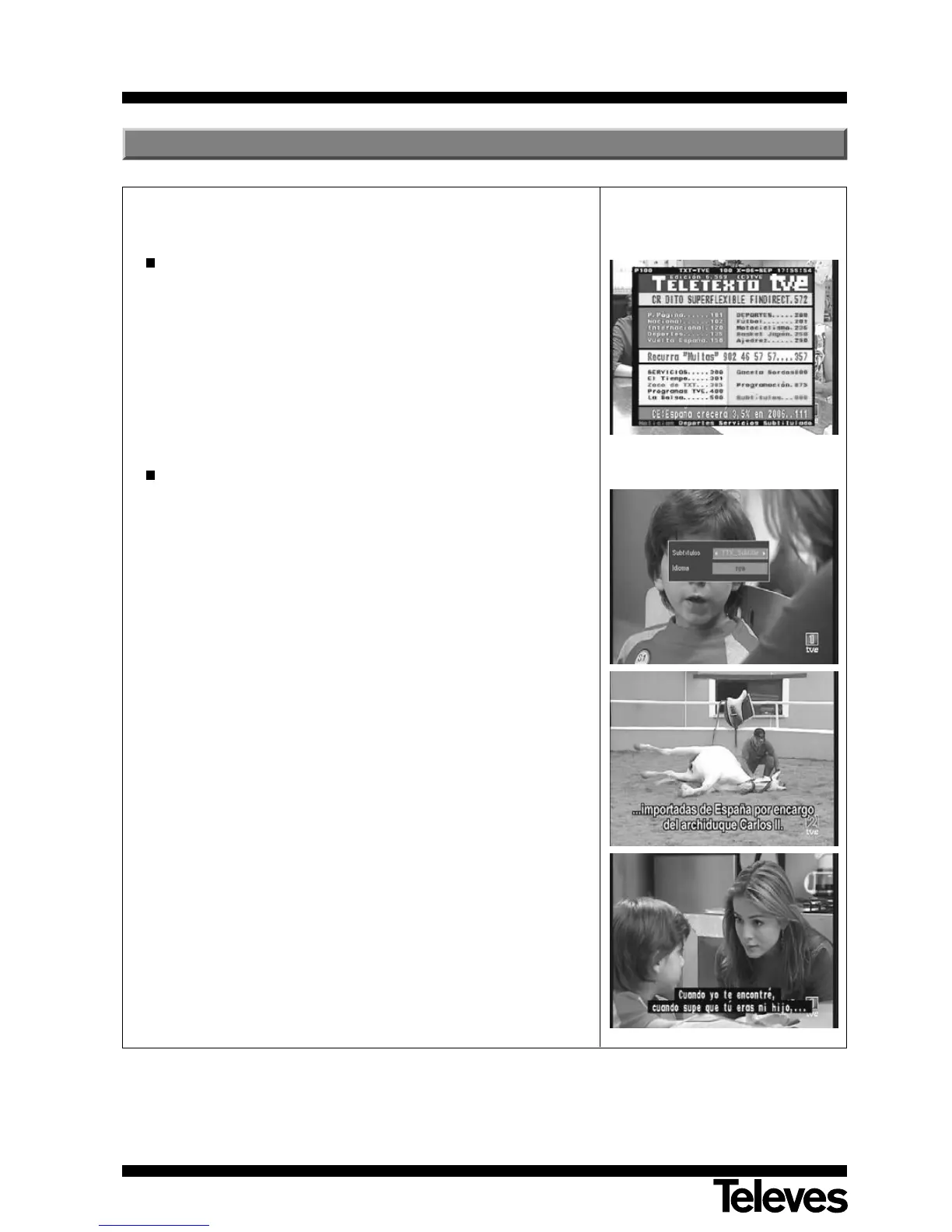
- Press the TEXT button of the command to enable Tele-text.
- The Tele-text services will be displayed in the normal way.
- Even if your TV set has no Tele-text decoder, you may still view it on
screen, since the Adaptor generates it automatically.
- The Adaptor command possesses colored buttons that ease rapid
access to Tele-text pages.
Subtitles
- Press the Subtitle button on the command in order to enable subtitles.
- Select the “Standard” or “TXT_Subtitle” option to show the text of the
subtitles. If you wish to eliminate subtitles, select the “Off” option.
- Within the “Language” option, you may select the language for Tele-text
display (this option is available if the service supplier provides the
information).
- The subtitle services are viewed in the lower part of the screen.
NOTE: Not all service suppliers provide this kind of information.
8.- Tele-text / Subtitles



 To Next Page