User manual
“DTR-7287
”
39
ENGLISH
Some channels are broadcast in several audio languages. This function
hinges on whether the transmission includes this information in the signal
sent by the operator.
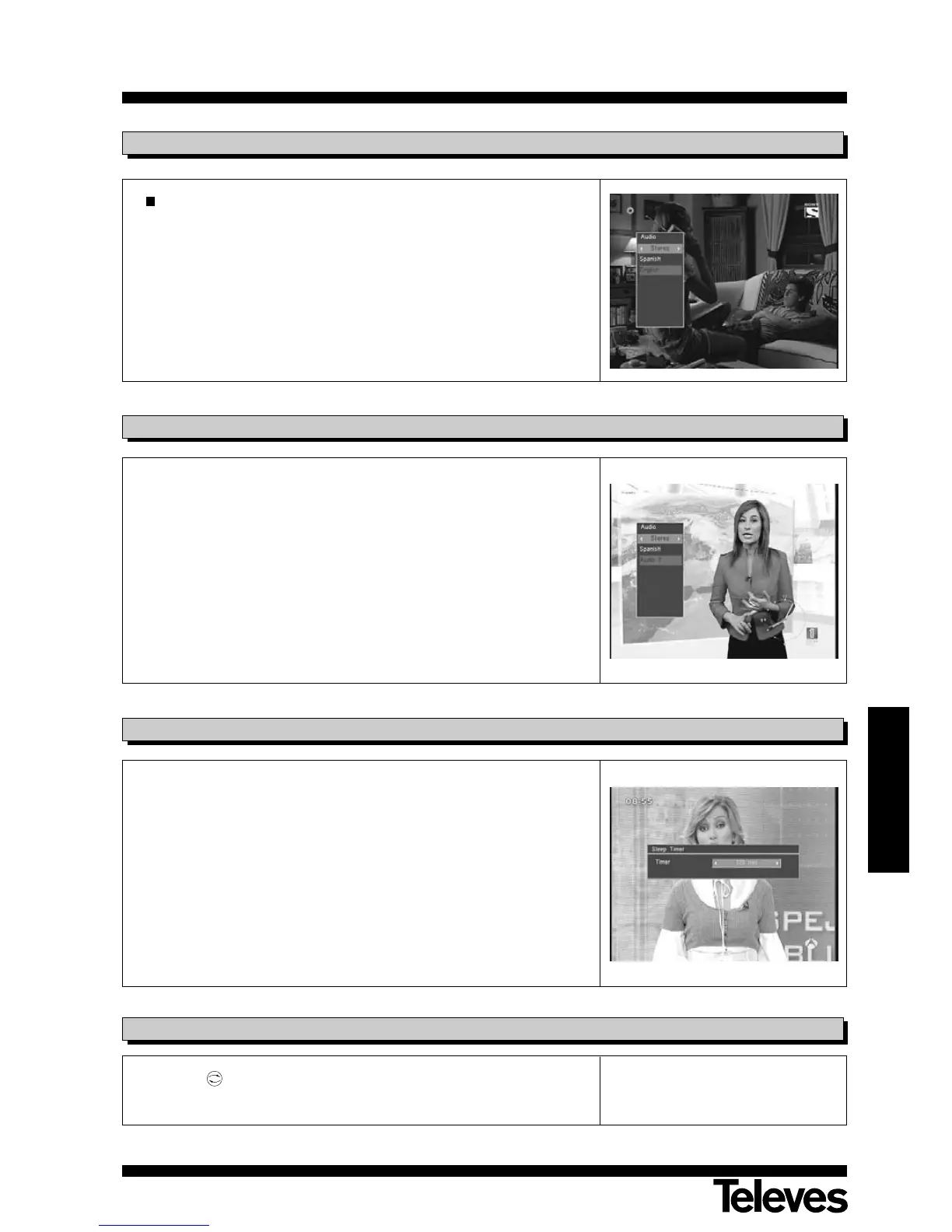
- Press A/B button on the remote control command to enable the
emerging “Audio” menu.
- You can select the audio language from among those available by using
the P+/P- buttons (if the transmission only includes one type of audio,
no change is possible).
- To leave the menu, press the A/B button again, or else press EXIT.
6.7.- Audio language
This function enables you to leave the adaptor turned on during the period
you wish, followed by automatic turnoff.
- Press button 0 on the remote control command to enable this function.
- You can select the time lapse before adaptor turnoff by using the V+/V-
buttons. The values allowed are: Disabled, 10, 30, 60, 90 and 120
minutes.
- To leave the menu, press the EXIT button.
6.8.- Automatic Turnoff Function
Press the button on the remote control command to return to the last
program you were viewing.
6.9.- Return to previous program
Mode Selection
- Press A/B button on the remote control command to enable the
emerging “Audio” menu.
- Using the V+/V- buttons, you can select the Audio Configuration mode
(Left, Right, Monoaural, Stereo).
- To leave the menu, press the A/B button again, or else press EXIT.
6.6.- Audio modes



 To Next Page