User manual
“DTR-7287
”
41
ENGLISH
7.- EPG (Electronic Program Guide)
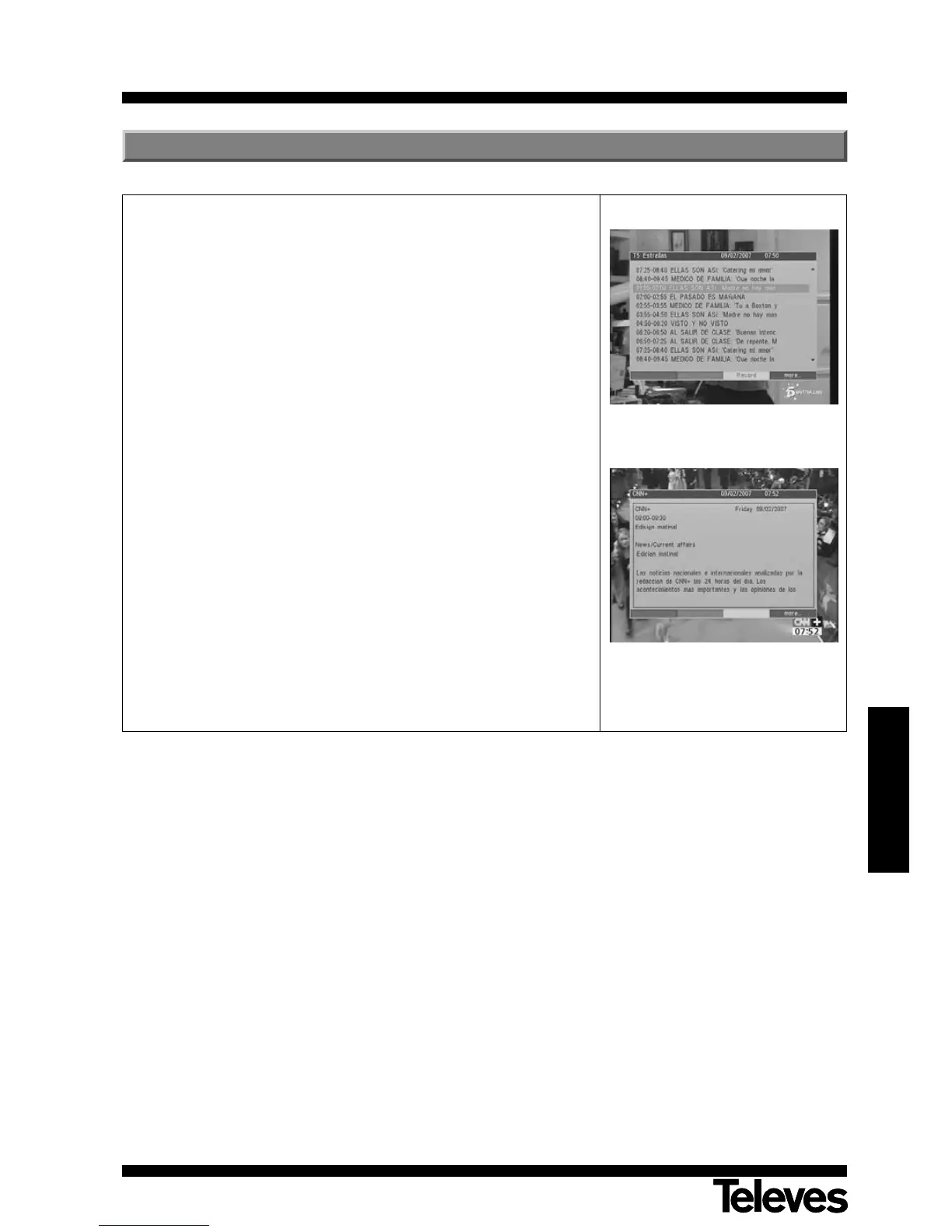
The DTR 7287 adaptor provides the EPG function for the user to access the
TV guide or Radio guide that will show the name and other information on the
current and next program for all the programs.
- In order to see the EPG information, press EPG on the remote control
command while you are viewing a channel.
- The EPG window corresponding to that channel will appear on screen.
- On it you will see a listing of the programs being shown as from that
moment, including their broadcasting times.
- If you press the F4 (blue) button or the OK button on one of the programs
listed, the adaptor will show more detailed information on that program. If
the information occupies more than one page on the screen, use the P+/P-
buttons to move to the next/previous page.
- By pressing the F4 (yellow) button, a new event is automatically created with
the program. The Timer menu is shown on screen to indicate that the event
has been recorded. Press the EXIT button to return to the EPG function.
To leave the EPG function, press the EXIT button.
NOTE: The indication “No more EPG data” will be shown if the program does
not provide more data for the EPG function.



 To Next Page