User manual
“DTR-7287
”
50
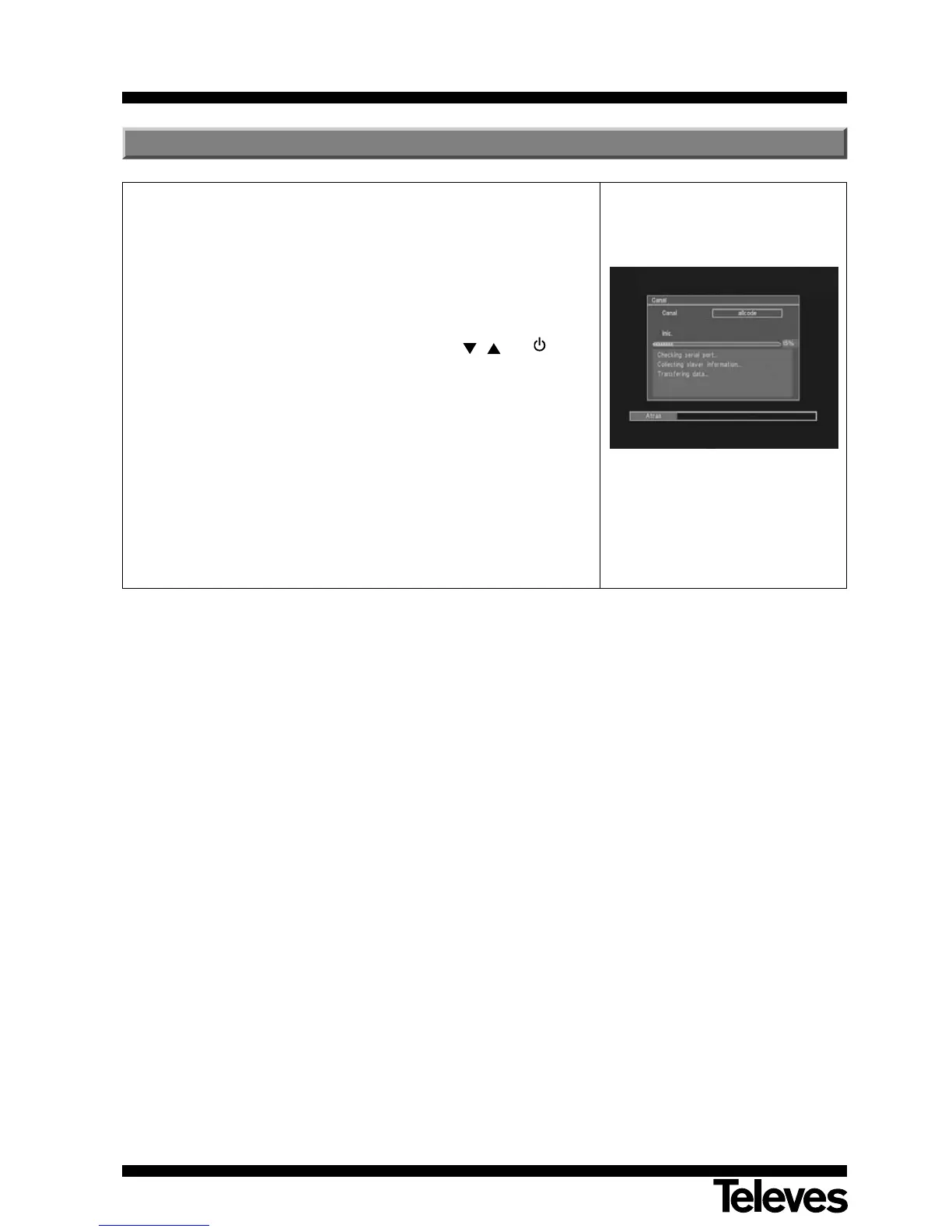
If you wish to use the same software and the same channel list on several
receivers, you can duplicate it (by inter-receiver transfer) simply by using an
RS-232 “Null Modem” (female/female) cable connection.
After connecting both receivers with the RS-232 cable, you should follow
the instructions below.
- Turn on the “Master” receiver (the receiver possessing the software
and the list of channels to be transferred), using the switch at the back.
After starting, press the keys (on the front panel) , and in the
indicated order. On this way the receiver turns to the software
transmission mode.
- Now turn on the “Slave” receiver (the receiver you wish to update)
using the switch at the back. The receiver turns to the software
reception mode.
- The update will take a few minutes. Please wait until it is complete. The
process will be complete when the defined receiver as “Slave” it turns
to the normal operation mode.
12.- Software upgrade (STB to STB)



 To Next Page