User manual
“DTR-7287
”
36
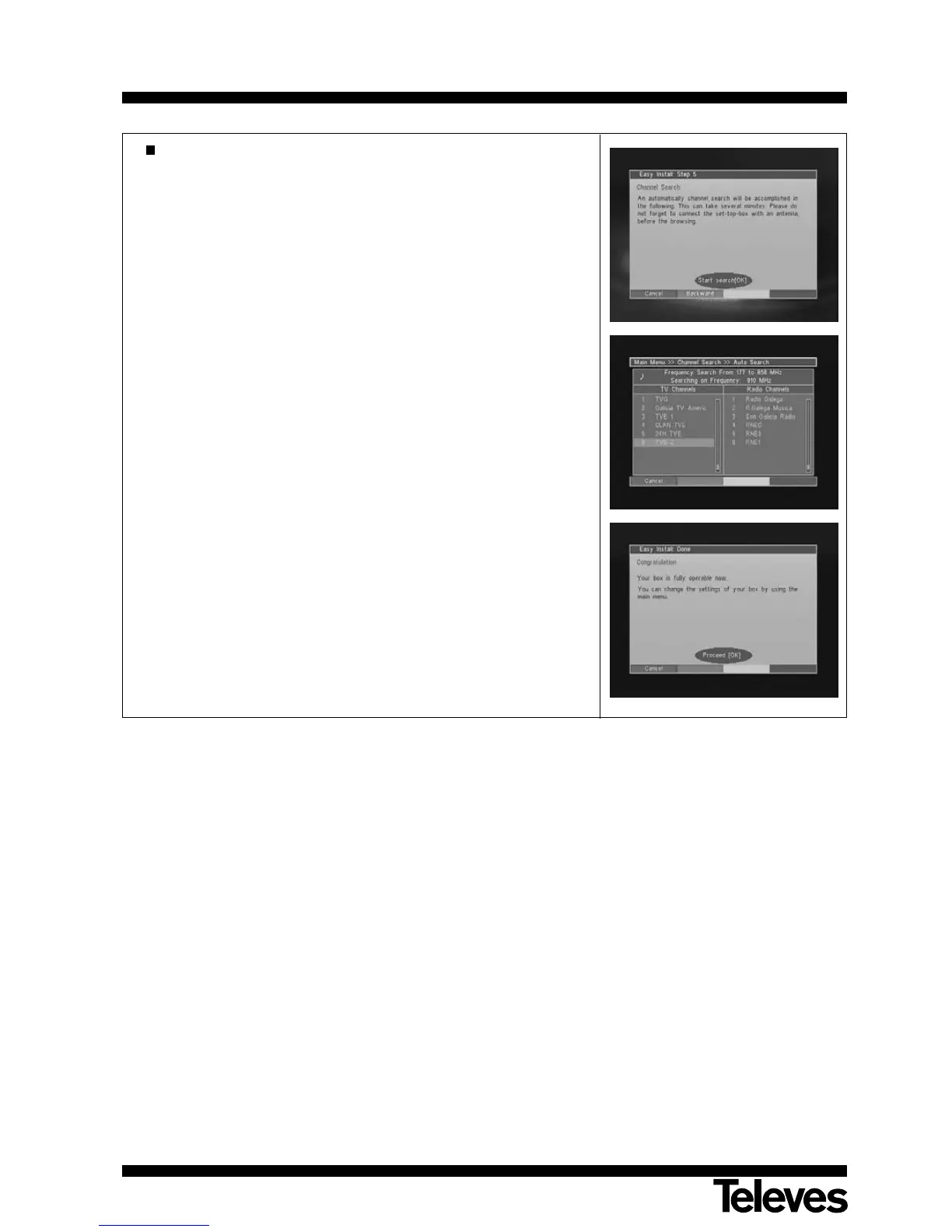
Finally, the Channel Search menu will appear.
Press the OK button to start the search.
The adaptor will carry out a search over its whole (VHF and UHF)
frequency input band.
Once the search is over, the adaptor will show a window requesting
confirmation, in order to store the programs found.
Press the F3 (yellow) button to end installation and switch over to
normal mode with the OK button.
During the installation process, you may return to the previous menu by
using the F2 (green) button, or else cancel the whole operation by using
the F1 (red) button.



 To Next Page