User manual
“DTR-7287
”
47
ENGLISH
e.- Summer Time:
- Enable or disable Summer Daylight Saving Time, to set the Adaptor to
the corresponding time mode.
- To enable/disable this option, use the V+/V- buttons.
To return to the previous menu, press the EXIT button. To exit from menu
to normal mode, press the MENU button.
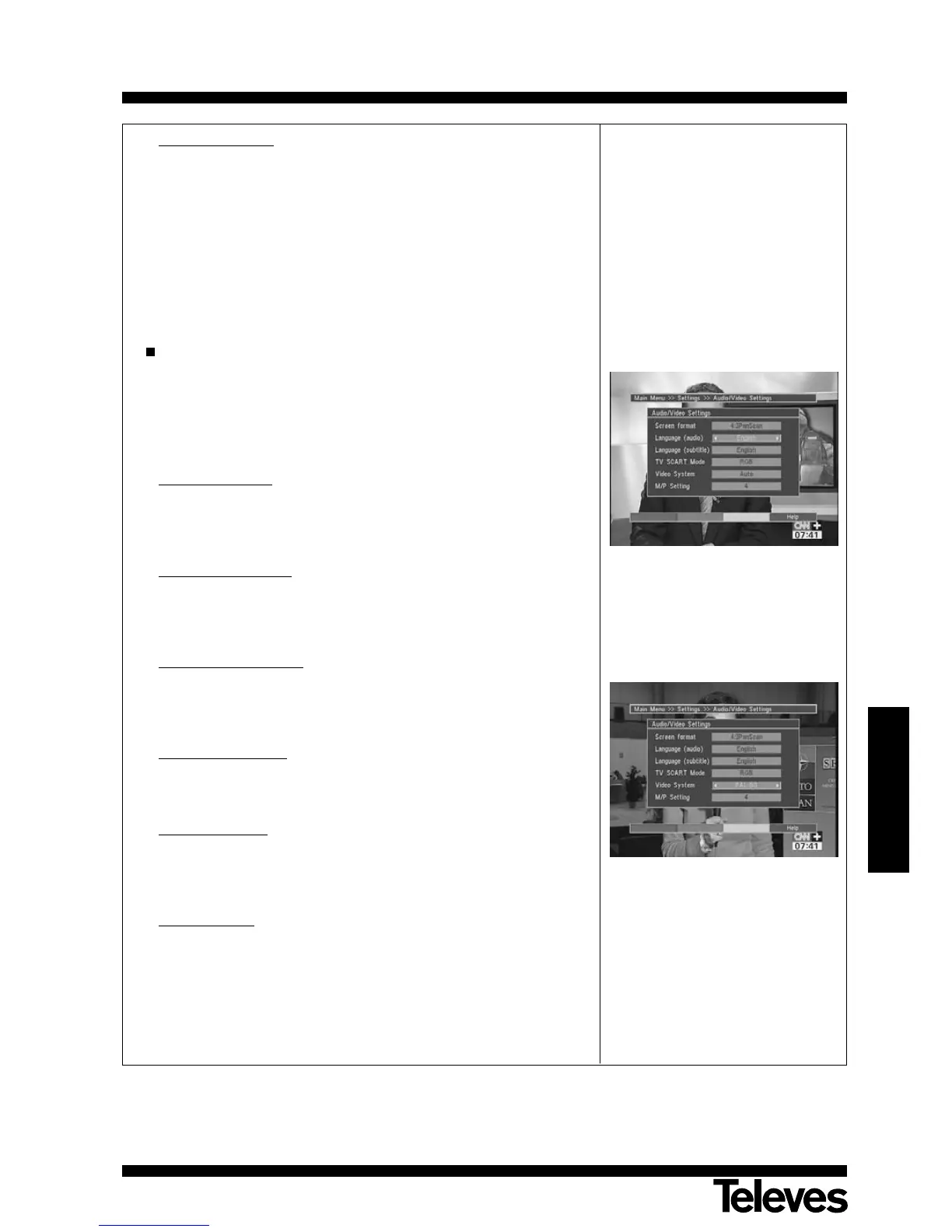
Audio/Video Configuration:
- Select the option “Audio/Video Settings” on the Settings menu by
pressing the P+/P- buttons, then press OK to confirm.
- Once you are on the menu, use the P+/P- buttons to browse through
the options that appear, and you will be able to make changes as
follows:
a.- Screen format:
- Using the V+/V- buttons, select among the options Auto, 4:3 Letterbox,
4:3 Pan Scan and 16:9. This last option enables the automatic
configuring of your screen depending on the model of your TV set.
b.- Language (audio):
- Using the V+/V- buttons, select the audio language. When possible,
this function will enable you to switch languages among the languages
provided in the broadcast.
c.- Language (subtitle):
- Using buttons V+/V-, select the subtitle language. When possible, this
function will enable you to switch languages among the languages
provided in the broadcast.
d.- TV SCART Mode:
- Using buttons V+/V-, select between RGB and CVBS, according to
your TV set. RGB is the default configuration.
e.- Video System:
- Using buttons V+/V-, select the suitable video Standard. Options are
AUTO, PAL BG, PAL M, PAL N or NTSC. AUTO is the default
configuration.
f.- M/P Setting:
- Using buttons V+/V-, select the number of images between 4, 6 or 9
that will conform the multiscreen mosaic when pressing F1 button .
Finally, press the EXIT button to return to the “Settings” menu, or press the
MENU button to return to the normal mode.



 To Next Page