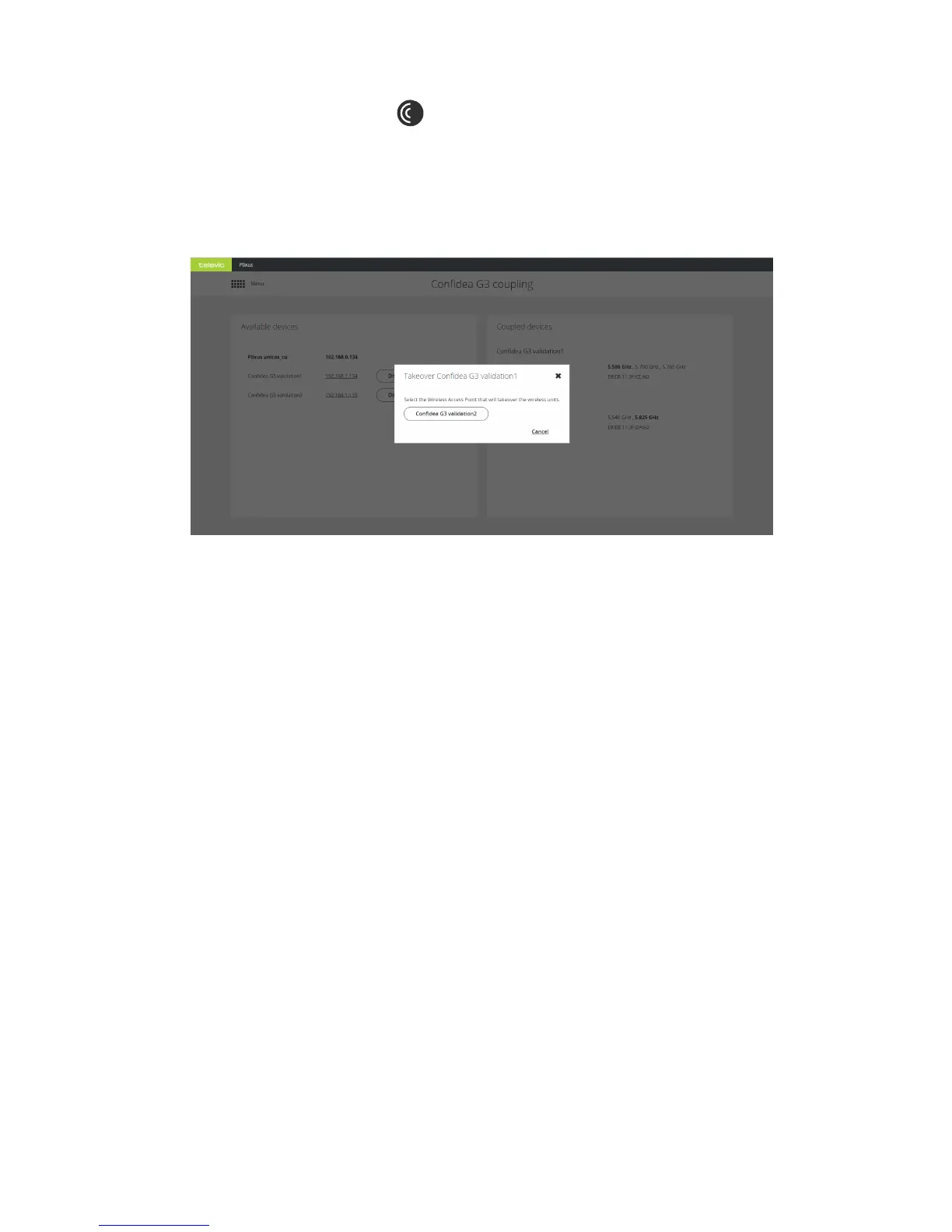
1. Select Confidea G3 coupling in the main menu.
2. When there is a WCAP available to transfer units to (i.e. with no units associated in the Plixus
network) you will see the button Takeover under the WCAP that can transfer units. Click the
button.
3. Select the WCAP to transfer the units to.
4. All units are now transferred to the selected WCAP.
COUPL E WITH CONF IDEA G 3 108



 To Next Page