GETTING STARTED WITH PLIXUS
CORE
Activate Plixus Core
To access the web server of the Plixus system, enter the IP address of the Plixus engine in your browser. The
default IP address of the Plixus engine is 192.168.0.100 with subnet mask 255.255.255.0.
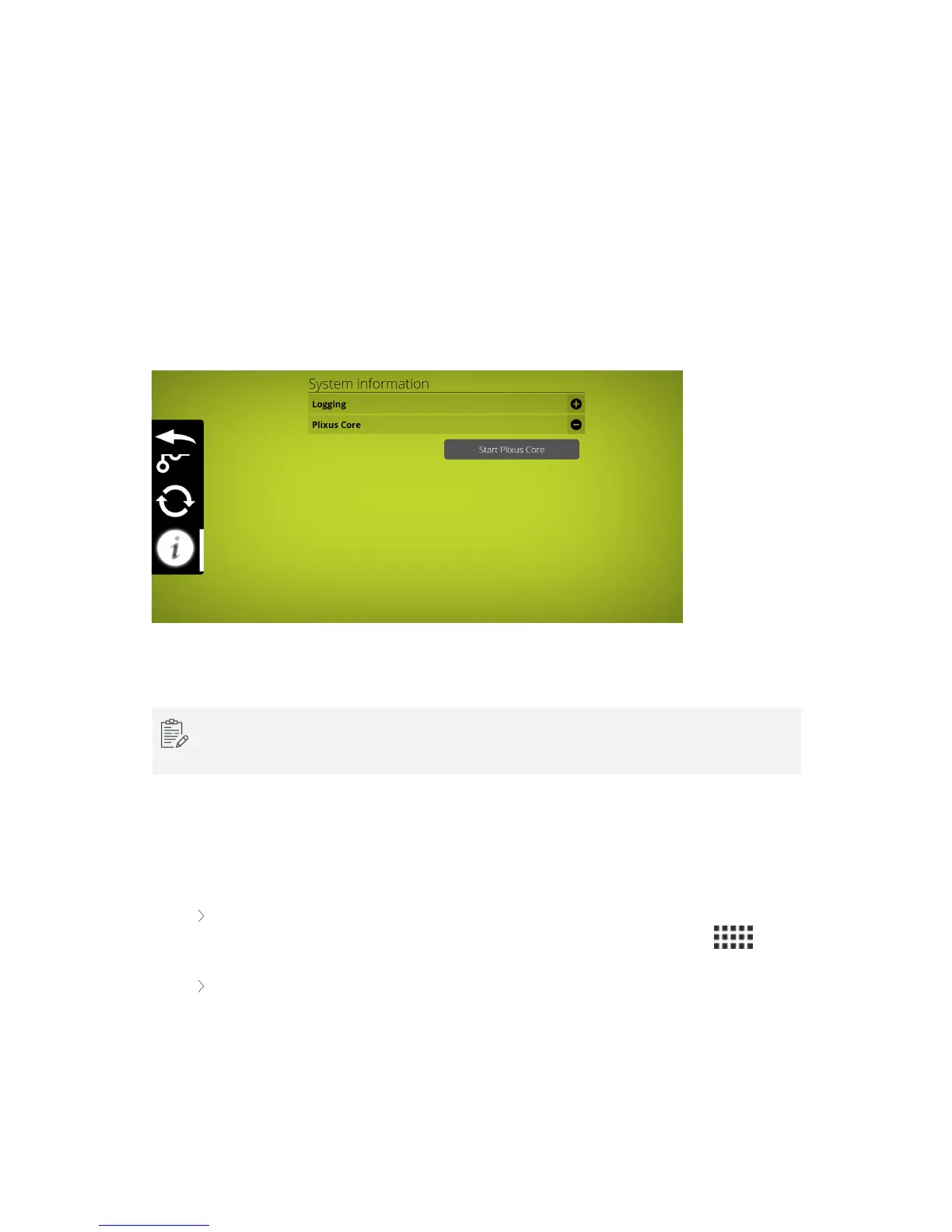
The first time you will need to activate Plixus Core. Go to Settings, select Info and click Start Plixus
Core.
Figure 1-35 Start Plixus Core from the default web server
If the web server does not refresh automatically, you can refresh it manually. Loading the new web
server may take up to 1 minute, the very first time.
Explore Plixus Core
The layout of the web server was designed to be intuitive and easy to use. All pages have a similar layout
which eases configuration. The general layout consists out of two parts:
The header element (1): this part contains the name of the product together with the title of
the page. From here you can also access the main menu by clicking the menu icon .
The body element (2): on this part of the page you can view and configure all settings. The
content will change depending on the menu item you select.
GETTING STARTED WITH PL IXUS CO RE 78



 To Next Page