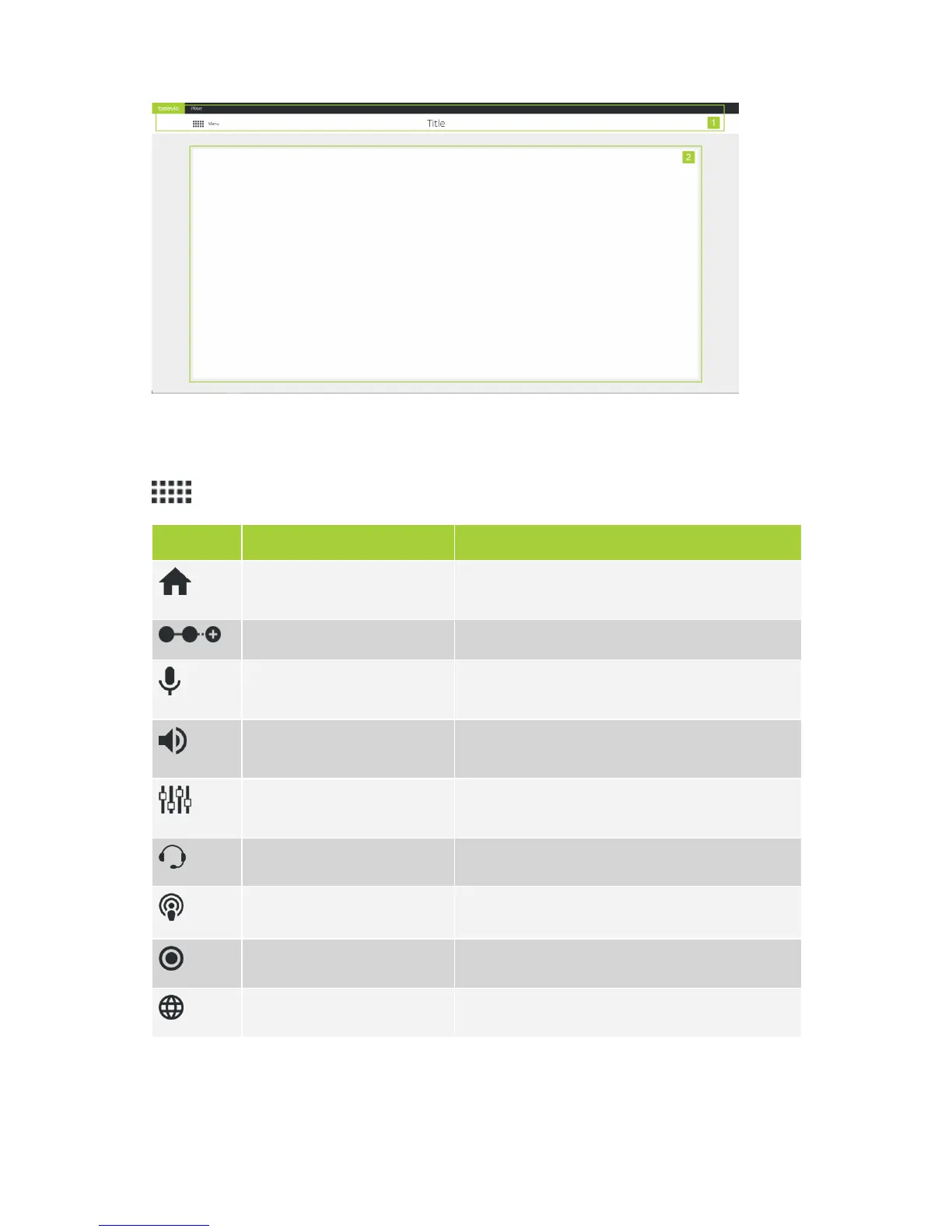
Figure 1-36 General layout of the web server
When you want to configure a certain setting, you simply select the correct sub menu from the main menu (
). The following sub menus are available:
Icon Sub menu Description
Home Return to the home screen where you see the most
important features and their configuration.
Initialization Define and configure units present in the Plixus network.
Discussion options Configure discussion options such as microphone to
define how to activate a microphone.
Audio Configuration of different audio options such as dynamic
processing and auto gain reduction.
Audio routing Configure the audio routing and the auxiliary input and
output levels.
Interpretation Configuration of the interpretation channels.
Operator Control all microphones in a meeting.
Recording Options to record the meeting.
Regional settings Change regional settings.
GETTING STARTED WITH PL IXUS CO RE 79



 To Next Page