Home
Telex
Headsets
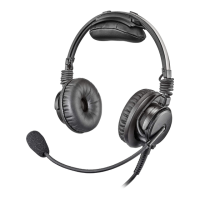
AIRMAN 8+
Page 28
Telex AIRMAN 8+ - Page 28
48 pages
Manual
Save Page as PDF
To Next Page
To Next Page
To Previous Page
To Previous Page
Loading...
28
en | Disassembly
AIRMAN 8+
2024-11 | 07 | F.01U.387.060
Customer Maintenance Manual
Bosch Security Systems, LLC
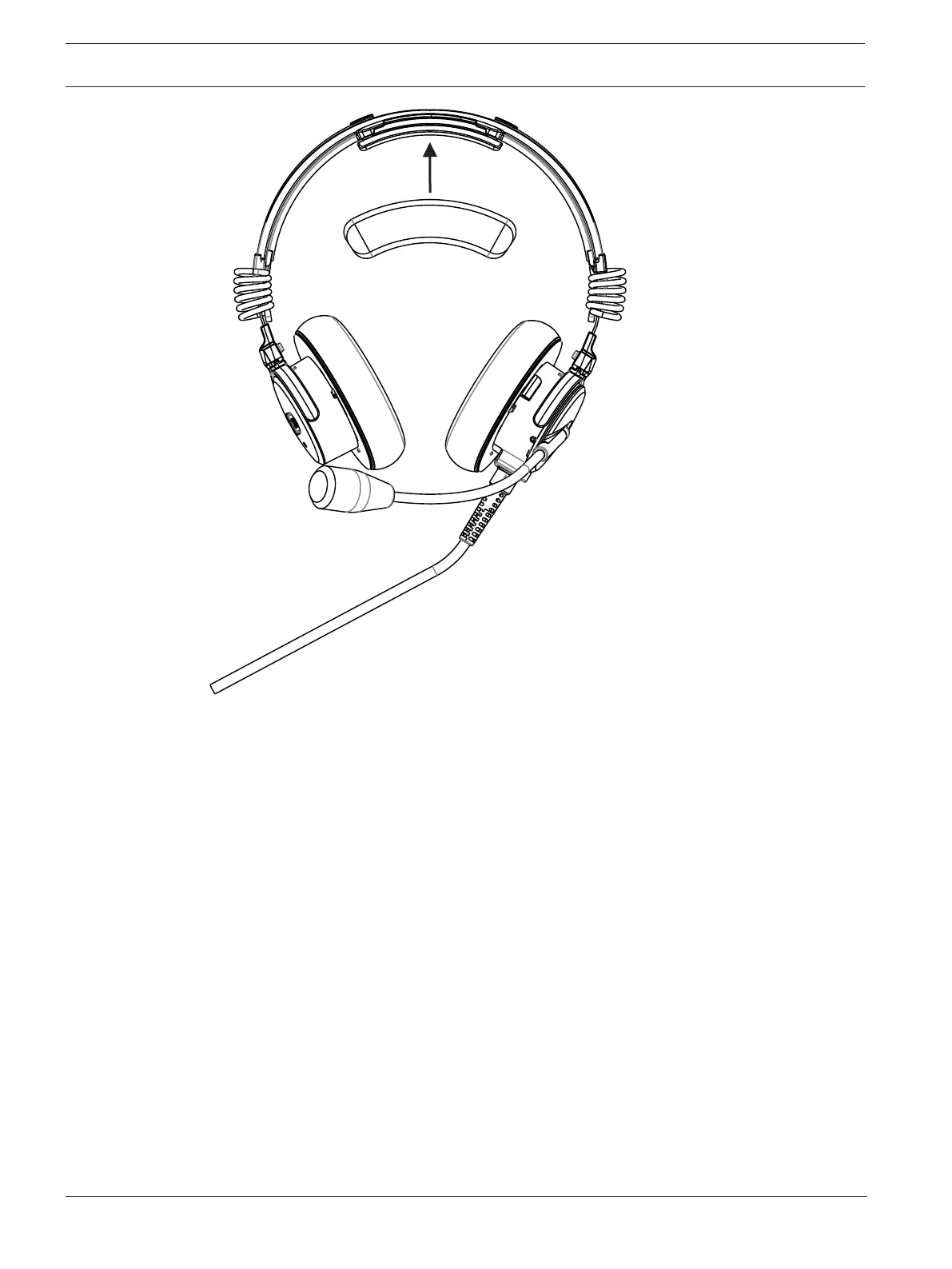
Figure6.4:
Installing New Headband Pad
1.
Firmly press
the new headband pad
into place.
27
29
Table of Contents
Main Page
Table of Contents
3
Record of Revisions
4
Purpose of Manual
5
Technical Support
5
Parts Ordering
5
Repairs
5
Safety Precautions
5
Introduction
7
Faa
9
Parts List and Exploded View
10
Exploded View
10
Parts List
10
Maintenance
15
Recommended Maintenance Schedule
15
Basic Inspection
16
Physical Inspection
16
Talk Test
17
Microphone Troubleshooting
17
Validate Continuity from Plug to Boom Side PCBA
17
Validate MIC Circuitry
18
Microphone/Amplifier Sensitivity Test
18
Microphone Sensitivity Adjustment
18
Microphone Total Harmonic Distortion (THD) Test
19
Speaker Troubleshooting
19
Speaker Sensitivity and Frequency Response Verification
20
Validate Continuity from Plug to Boom-Side PCBA
20
Validate the PCBA
20
ANR Troubleshooting
21
Measuring ANR Circuit Voltages and Switch Function
21
Cleaning the Headset and Connectors
23
Cleaning the Ear Cushions and Headband Pads
23
Replacing Ear Cushions and Headband Pads
23
Installing and Replacing the Hygenic Covers
23
Replacing the Windscreen
24
Headset Storage
24
Disassembly
25
Ear Cushion Replacement
25
Headband Pad and Headband Pad Replacement
26
Remove the MIC Prefilter
29
Remove the Yoke Assembly from the Headband Assembly
29
Boom Side Disassembly
29
Non-Boom Side Disassembly
31
Assembly
33
Boom Side Assembly
33
Non-Boom Side Assembly
37
Attach the Prefilter
40
Replace the Yoke Assembly on the Headband Assembly
40
Reinstall the Headband Cover
41
Wiring Diagrams and Connectors
42
Related product manuals
Telex Airman 8
44 pages
Telex Airman 850
12 pages
Telex Airman 750
34 pages
Telex AIRMAN8+ Series
38 pages
Telex Ascend Series
42 pages


 To Next Page